Activate an Account
Invitation to set up an account
To utilise the SureDrop system, a user needs to have a valid account.
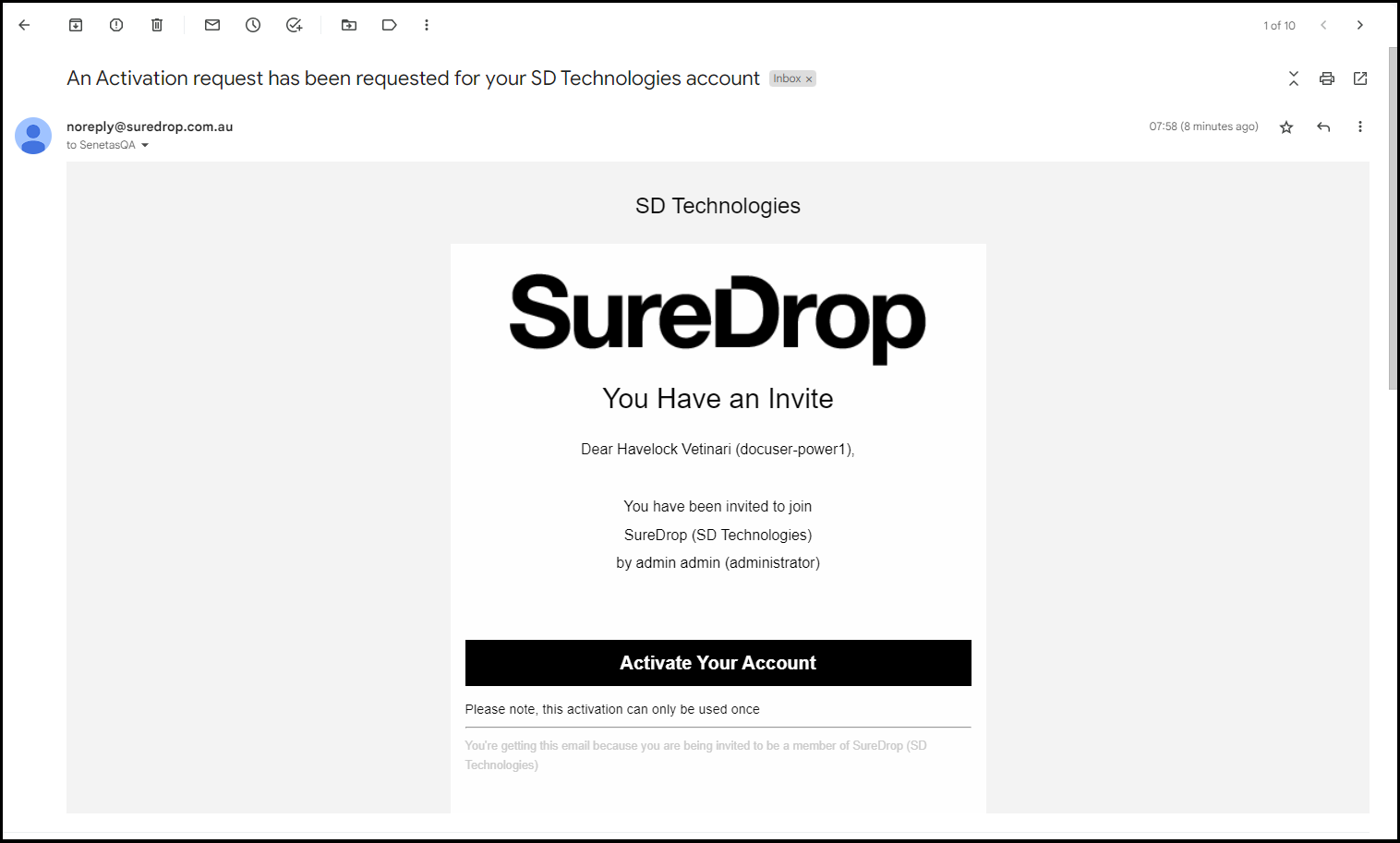
Your system administrator will send each new user an activation request via email.
An activation invitation email can only be used once.
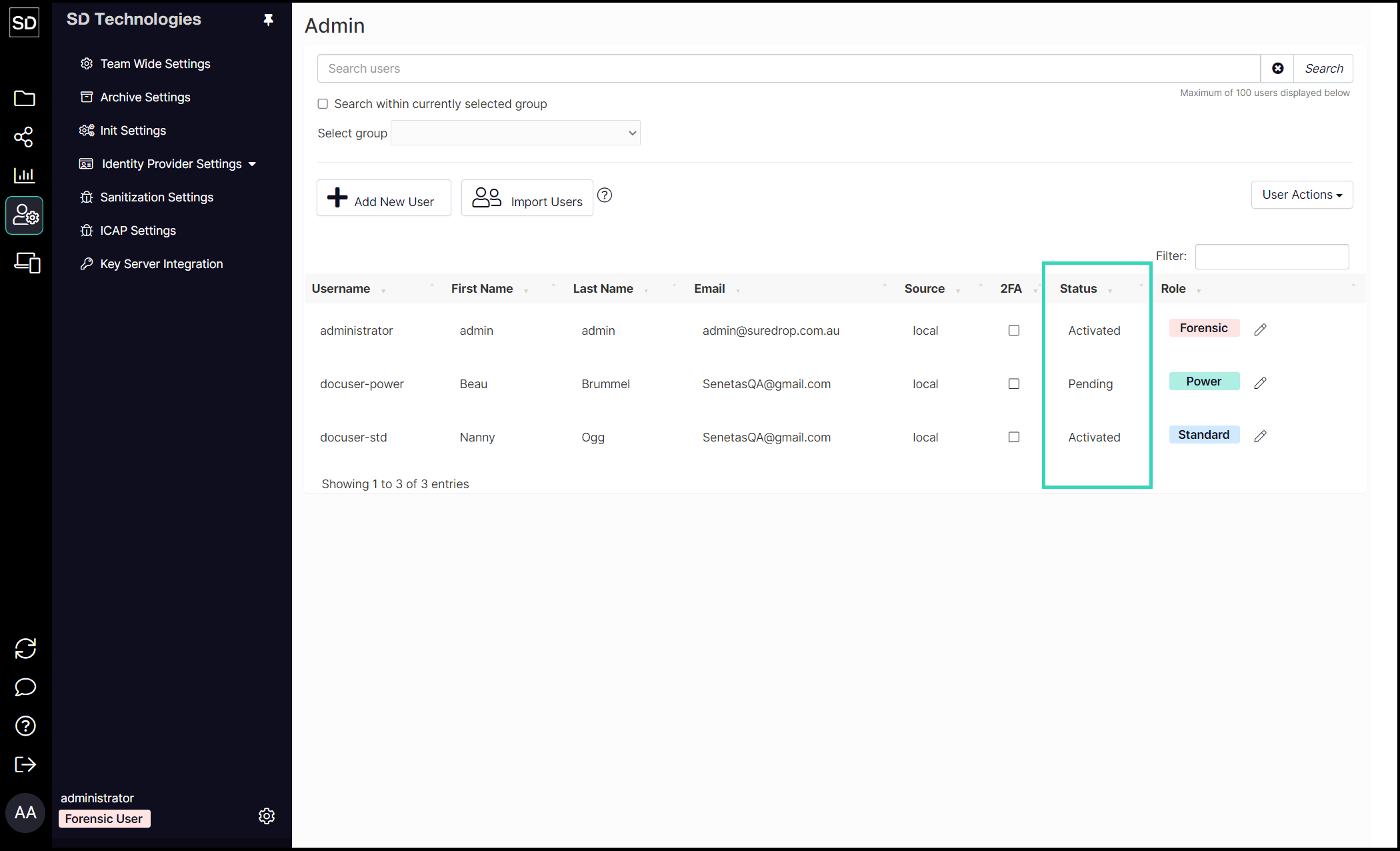
Until you have activated your membership it is flagged as 'pending' and shown in the GUI as below.
https://assets.suredrop.io/SureDrop-UserDocs-Images/SEN-SureDrop-Admin-AddUserPending.png
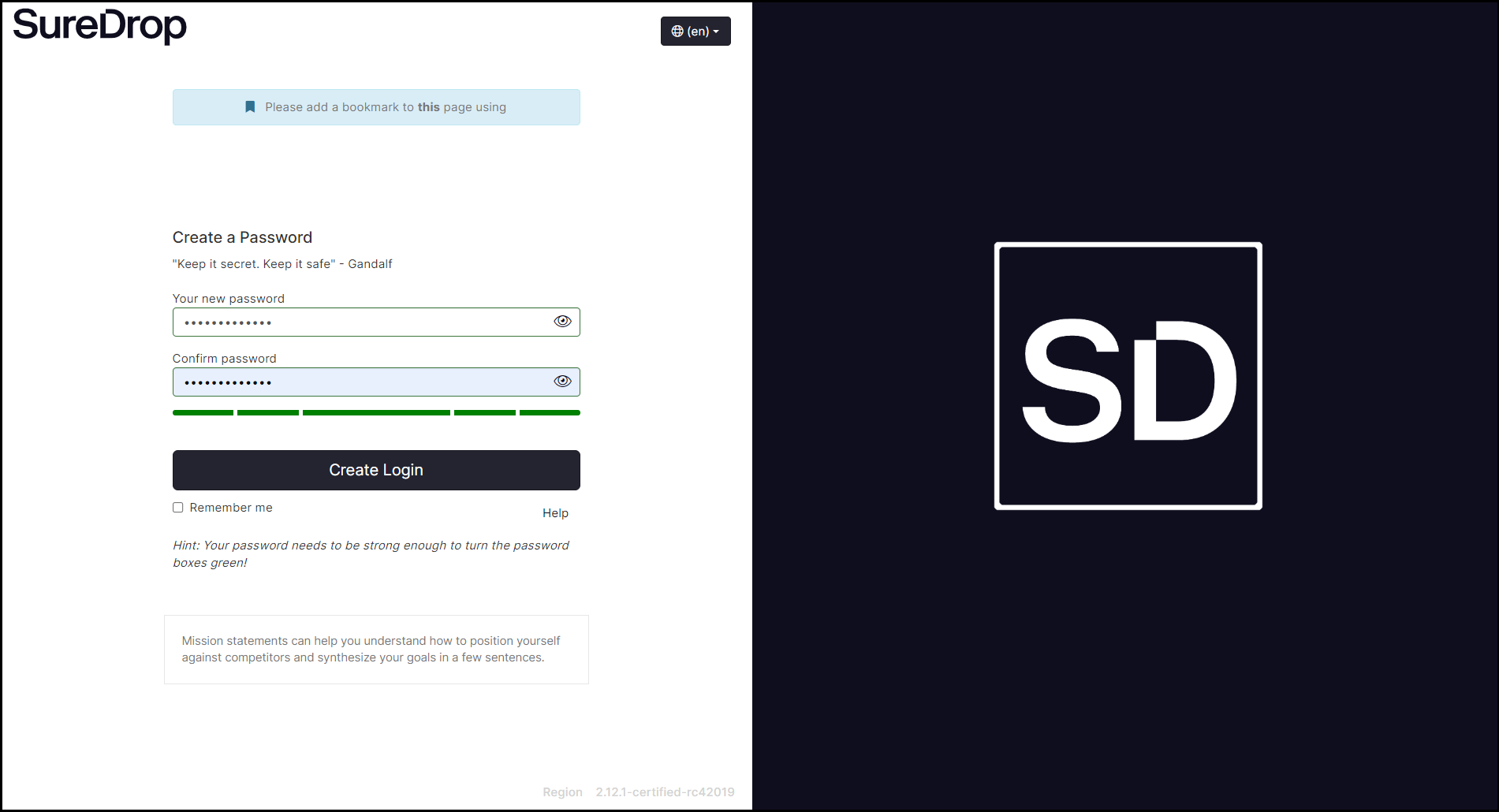
Clink on the Activate Your Account link in the email your received and you will be prompted to create a password for your account.
https://assets.suredrop.io/SureDrop-UserDocs-Images/SEN-SureDrop-Access-CreatePasswordonActivate.png
Create and confirm a password for your account.
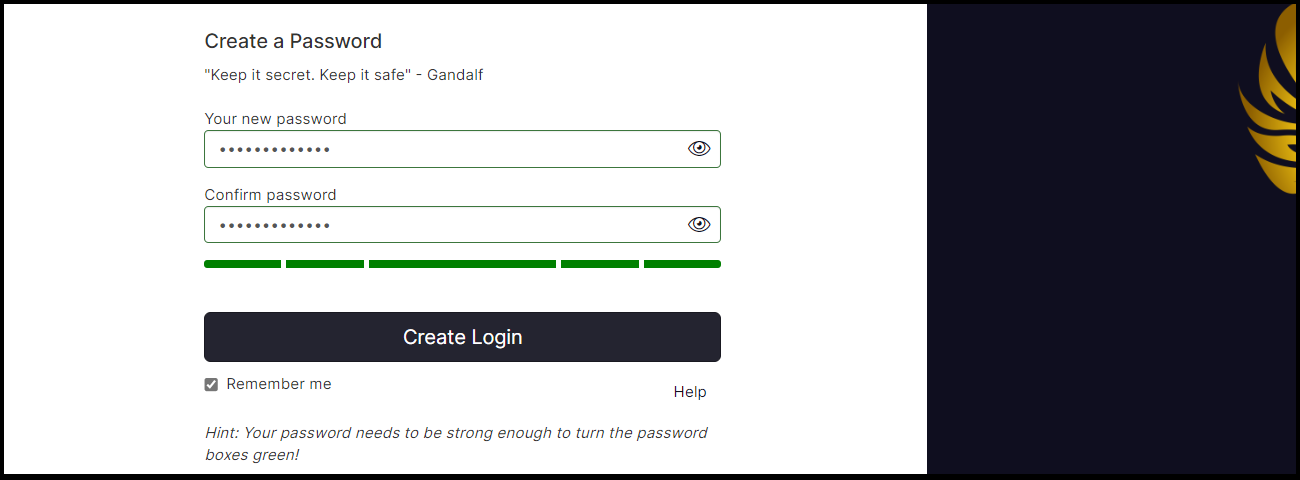
If a valid password is entered, the grey rectangles below the text fields will change colour to green and the Create Login button will become active.
https://assets.suredrop.io/SureDrop-UserDocs-Images/SEN-SureDrop-Access-ValidPassword.png
Click on Create Login and you will be taken to your personal ‘home page’.
The status of your account will also have changed from Pending to Activated.
