Auto Expire
Many people may have sensitive information in files on their computer that have not been looked at for a long time.
Maybe so long that they are forgotten about.
To ensure these files don’t become a security risk, files in a group can be set to be automatically purged after not being accessed for a specified period of time.
Purged files can be retrieved by a Forensic user, unless permanently deleted.
Set files to Auto Expire
Files can be set to Auto Expire by group owners and users.
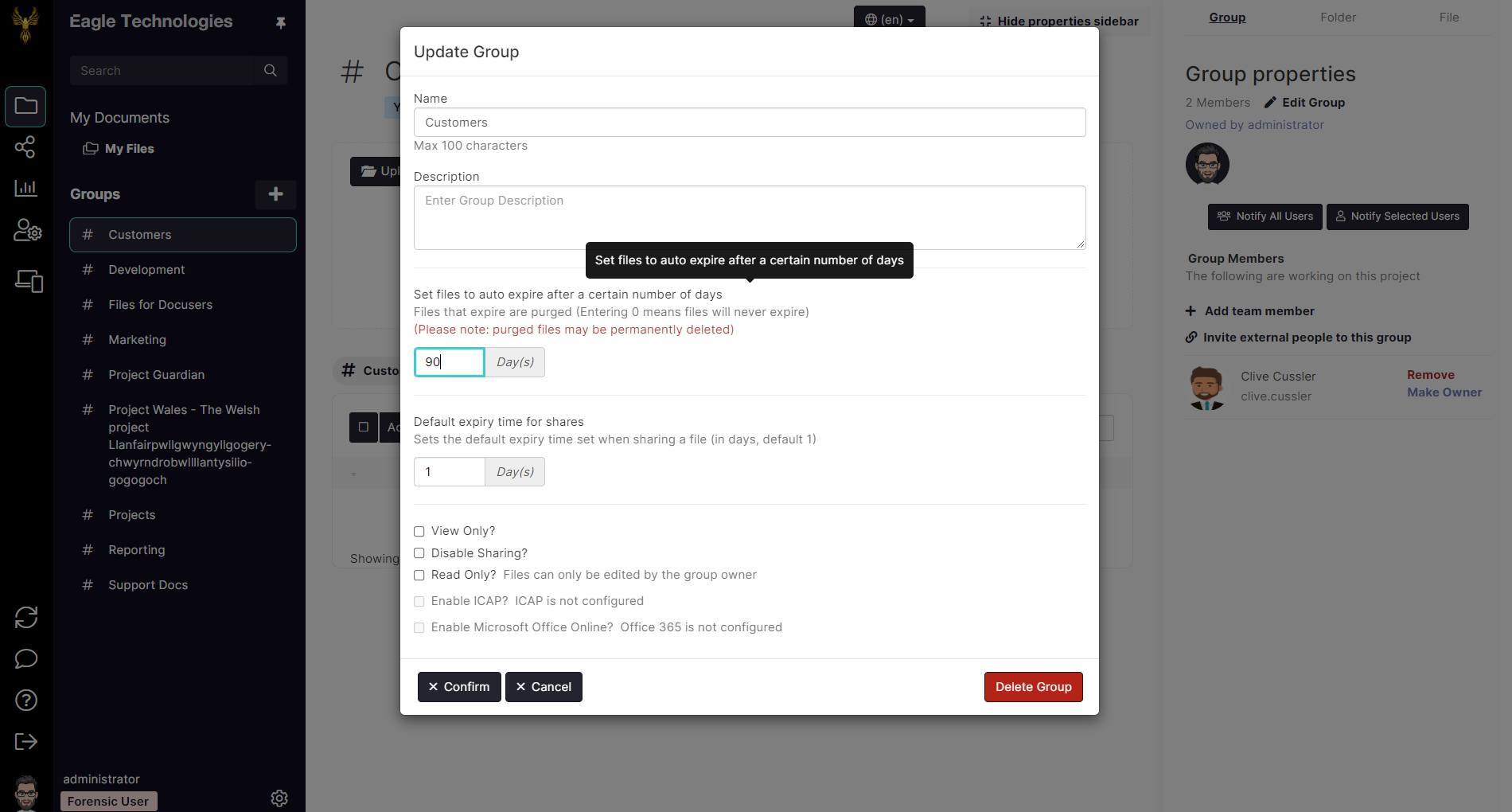
Click on the Edit Group button
Enter the number of days for files to be retained before they automatically purged
Click the Confirm button
In the picture below, files in the Customer group have been set to automatically expire if they have not been accessed during the past 90 days.
https://assets.suredrop.io/SureDrop-UserDocs-Images/SEN-SureDrop-Group-Properties-EditGroup-SetArchivePeriod.png
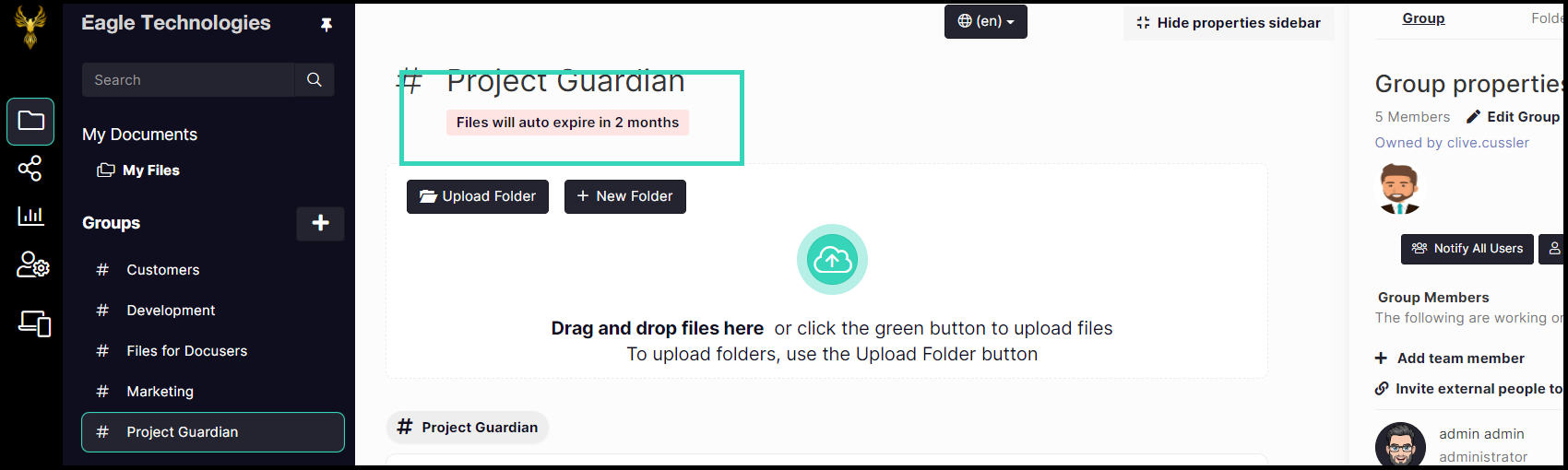
When set, the Auto Expire period is displayed below the Group name at the top of the user interface.