Change Group Name
It is possible to change the name of a group within your Team.
Admin and Forensic users only
If you wish to change the name of a group, click the Edit Group link towards the top of the Group Properties sidebar.
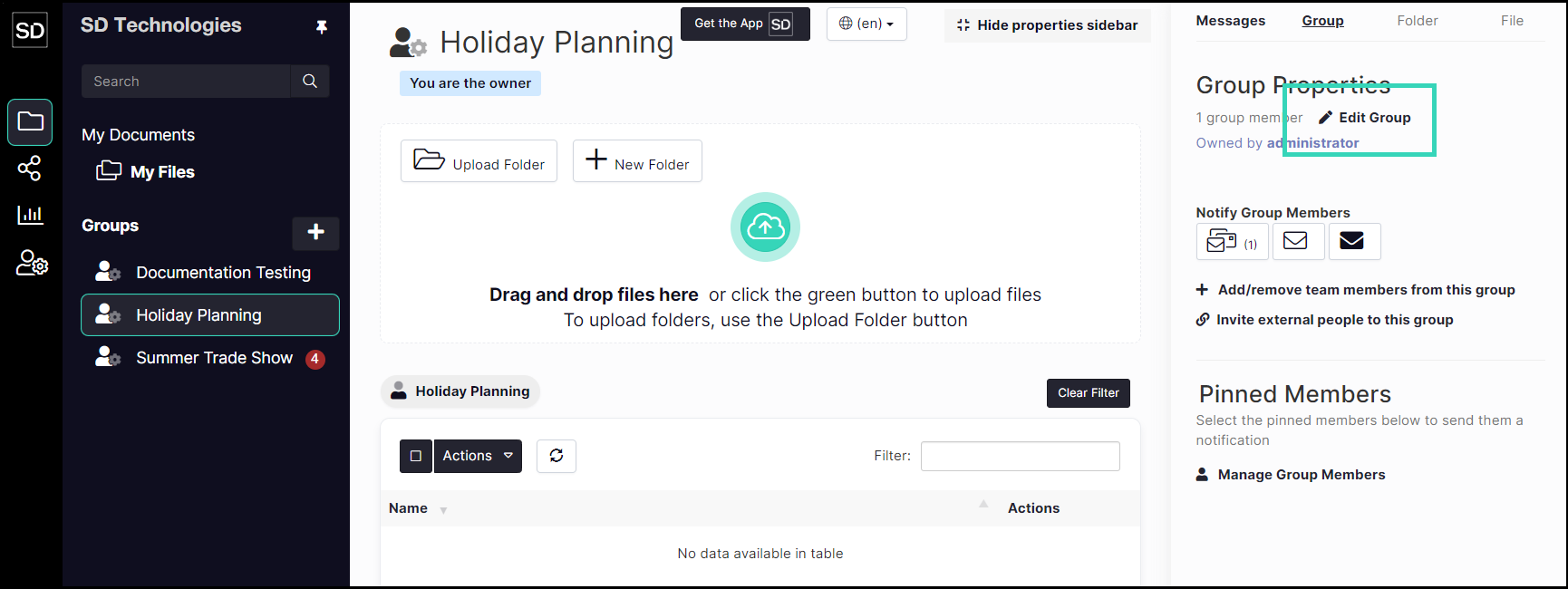
From the Update Group dialog window, delete the current contents of the Name and then enter the new group name.
Add or amend any description for the group as required.

If no other changes are required, click the Confirm button.

After the changes have been saved, the new name will appear in the list in the left-hand navigation bar.