Create a Group
This function is available only to the following types of user:
Power (limited to their own workspace)
Admin
Forensic
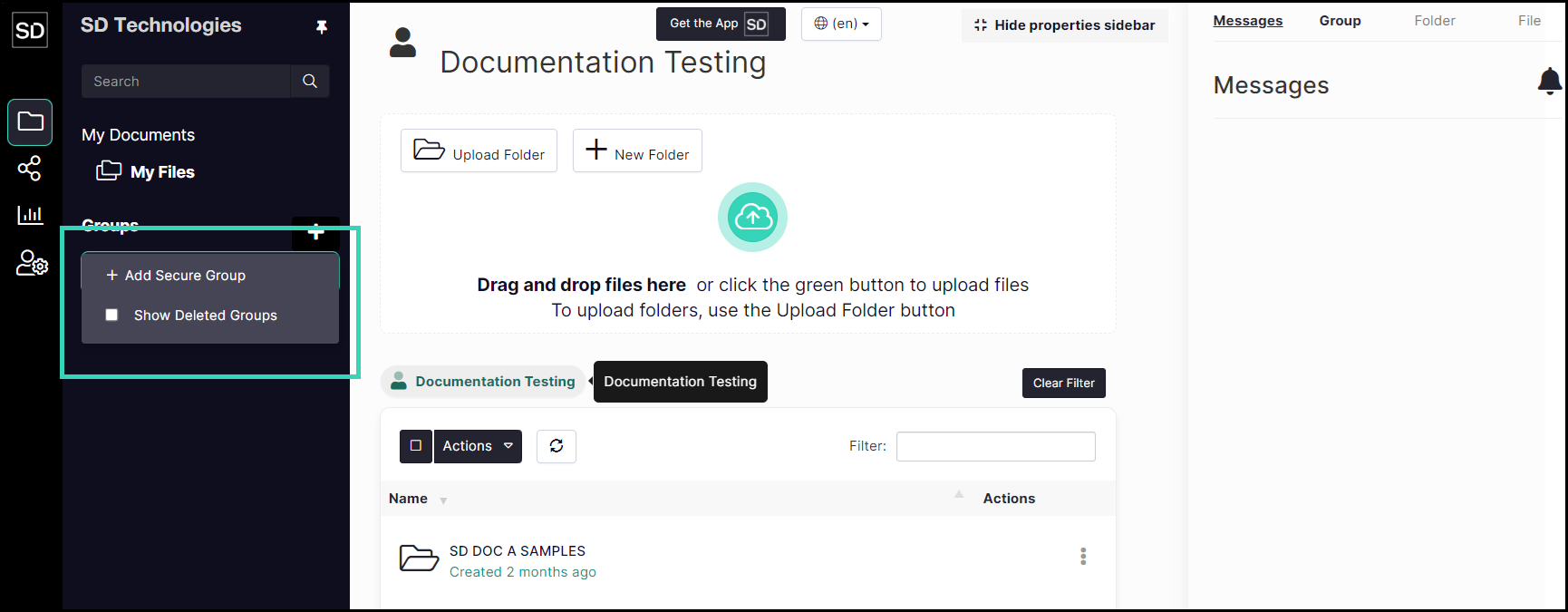
You can add a group to your SureDrop instance by selecting the Group Actions button in the SureDrop navigation panel.
From the main interface, click on the ‘+’ button to access the Group Action commands.
https://assets.suredrop.io/SureDrop-UserDocs-Images/SEN-SureDrop-Group-GroupActionsButton.png
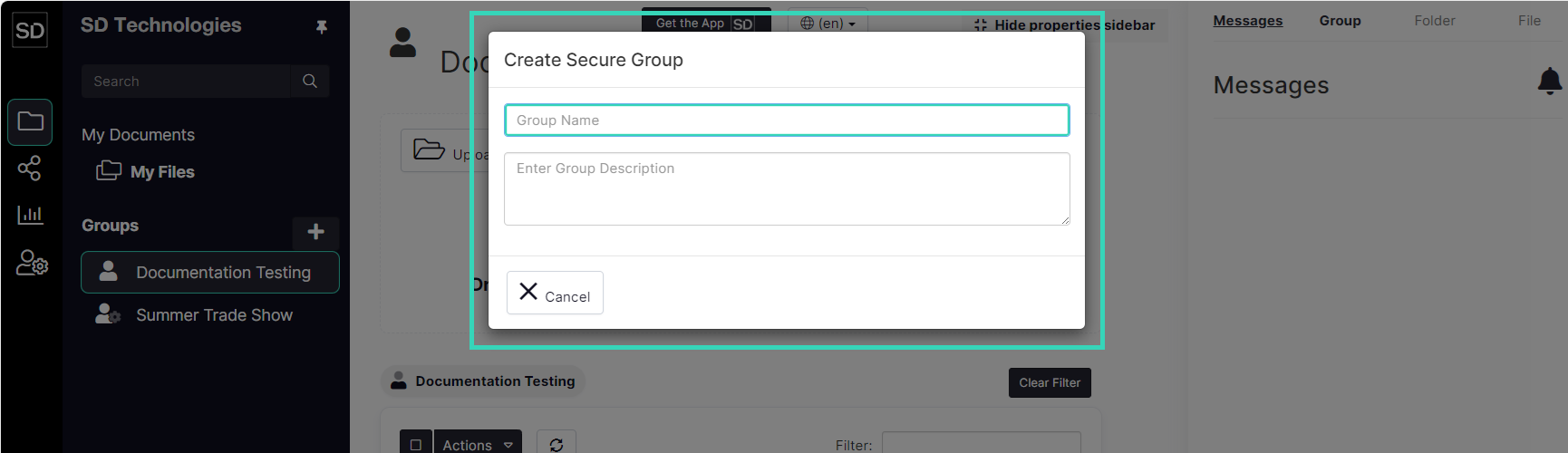
When information is added to the dialog, the Create button becomes available.
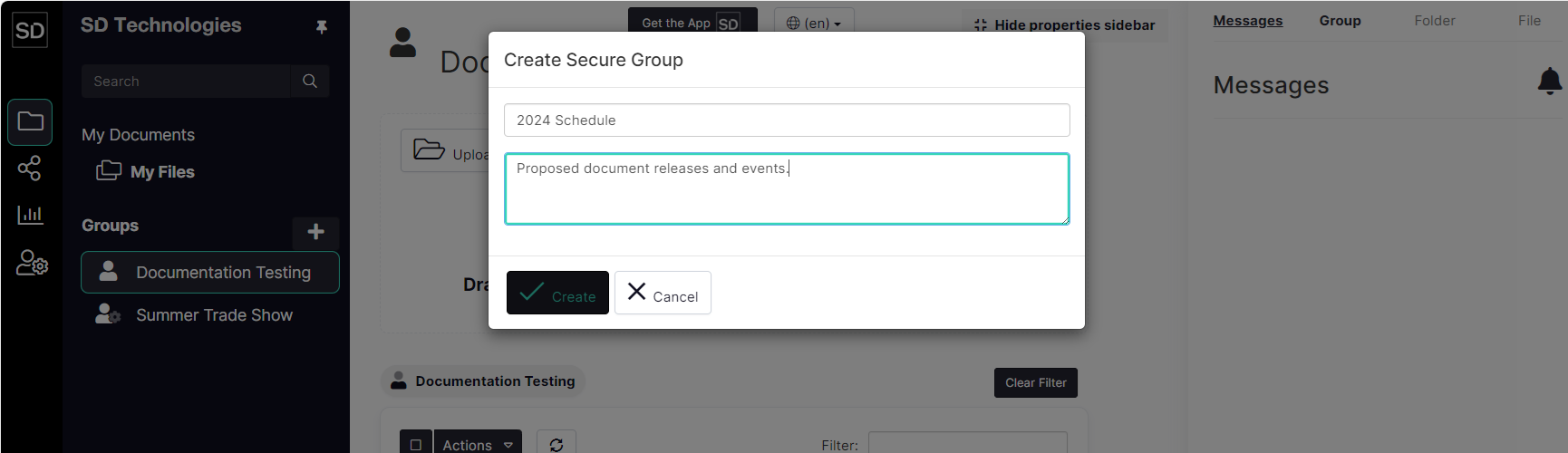
When you have entered the name of the team and completed the optional description field, click the Create button. The group you created will appear in the list of available groups.

https://assets.suredrop.io/SureDrop-UserDocs-Images/SEN-SD-Group-CreateGroup-Success.png
Users without administrative privileges will only see the names of groups of which they are a member; they will not be able to add or delete groups.