Delete a Group
At any time you may decide that a particular group is no longer required, such as at the completion of a project.
To delete a group, click the Edit Group link towards the top of the Group Properties sidebar.
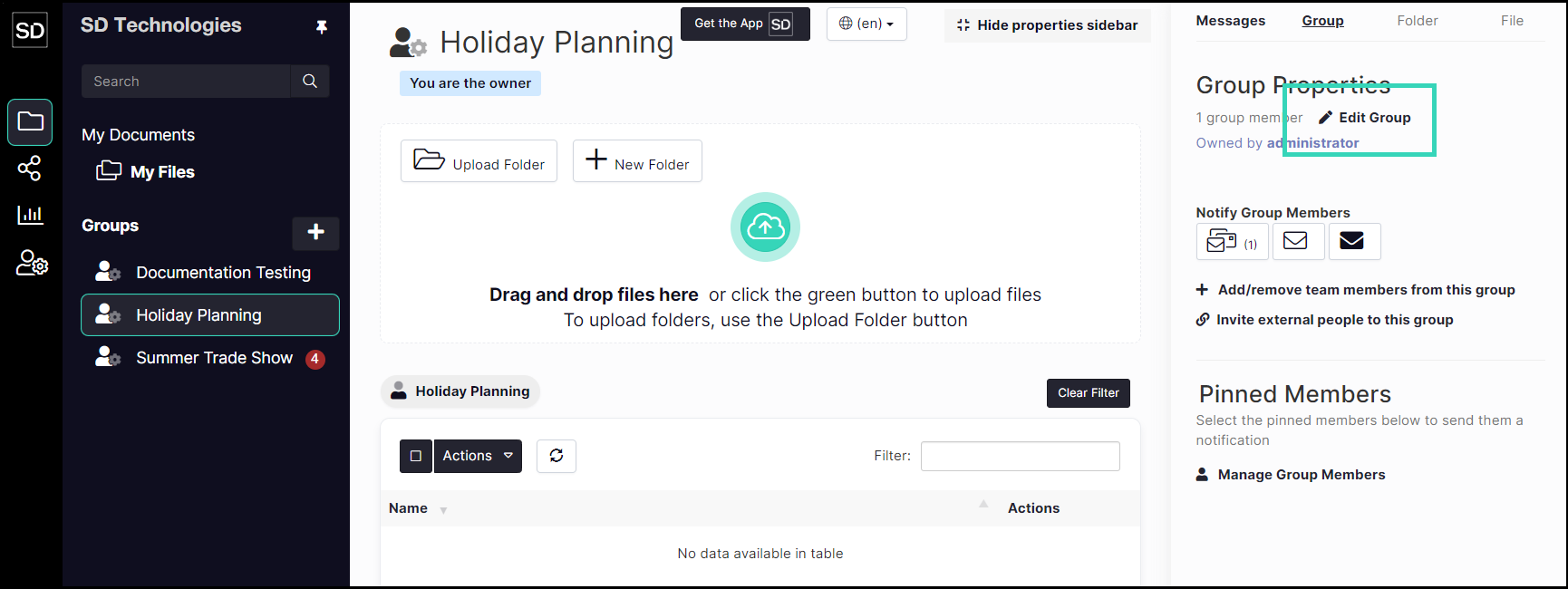
From the Update Group dialog window, click the red Delete Group button.

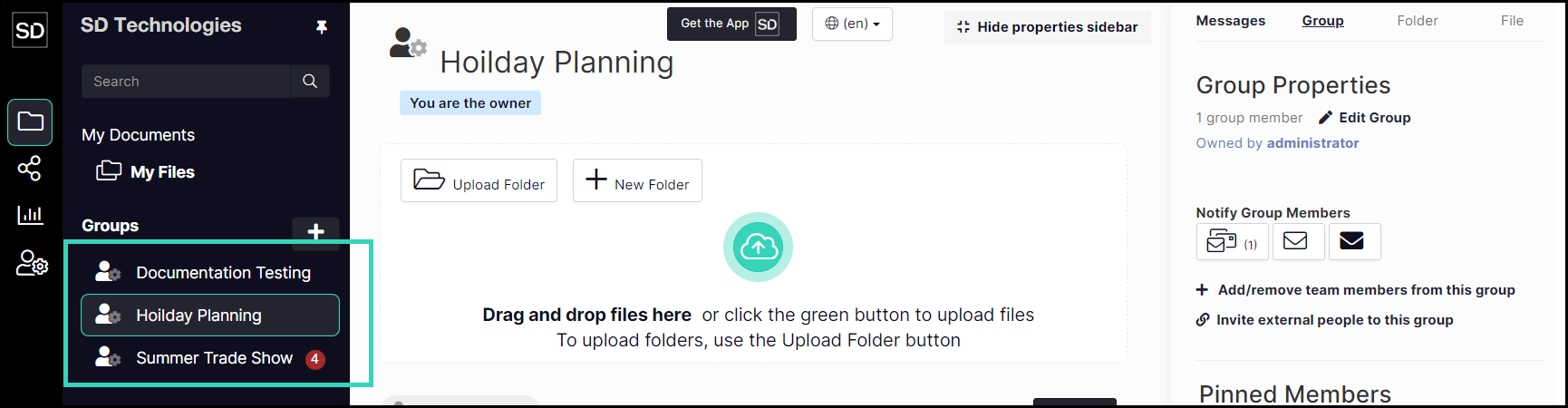
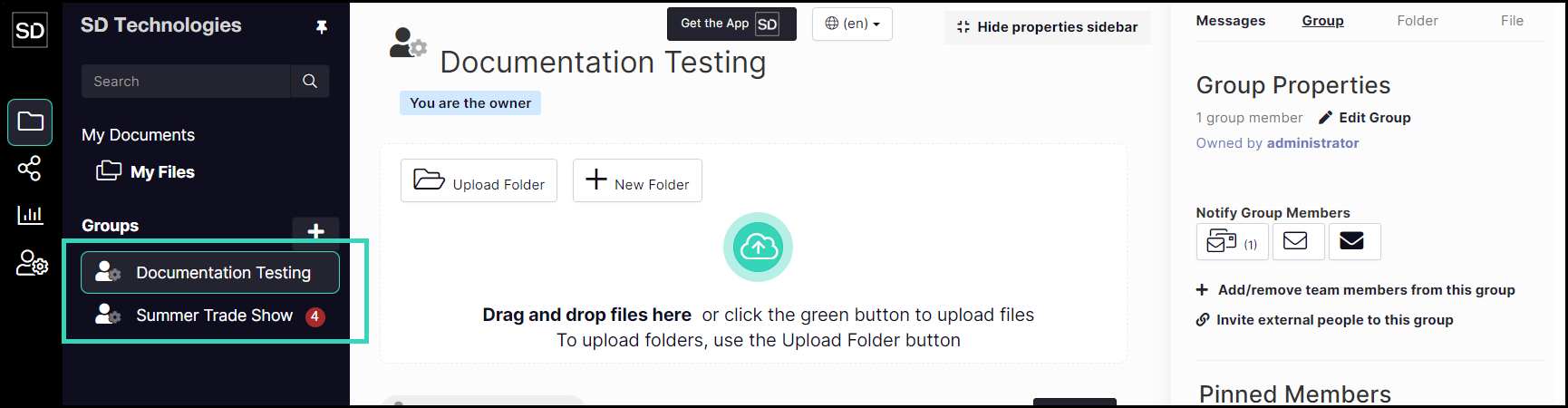
The name of the group will be removed from the list in the left-hand navigation bar.
An example of group deletion in SureDrop is shown in the following images: