Delete files
All SureDrop users are able to delete files stored by a group.
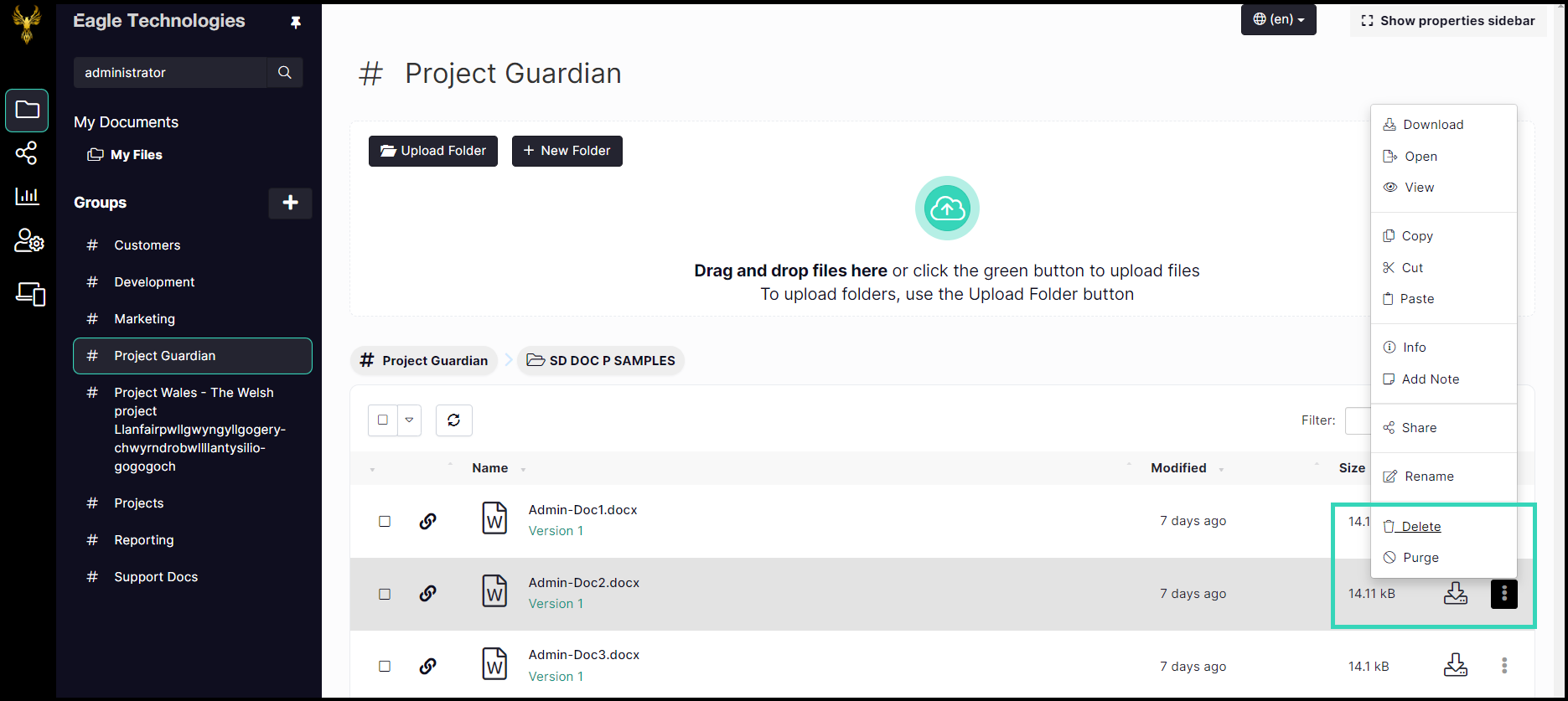
Files are deleted by first selecting the file within a folder and then clicking on the File Actions button (three vertical dots) at the end of the file entry and selecting Delete from the pop-up File Actions menu.
Standard user options
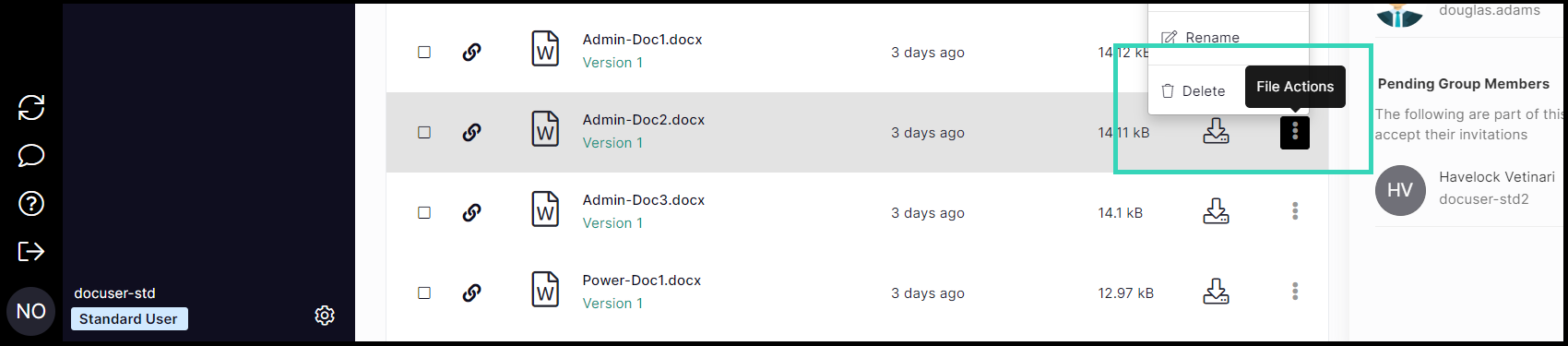
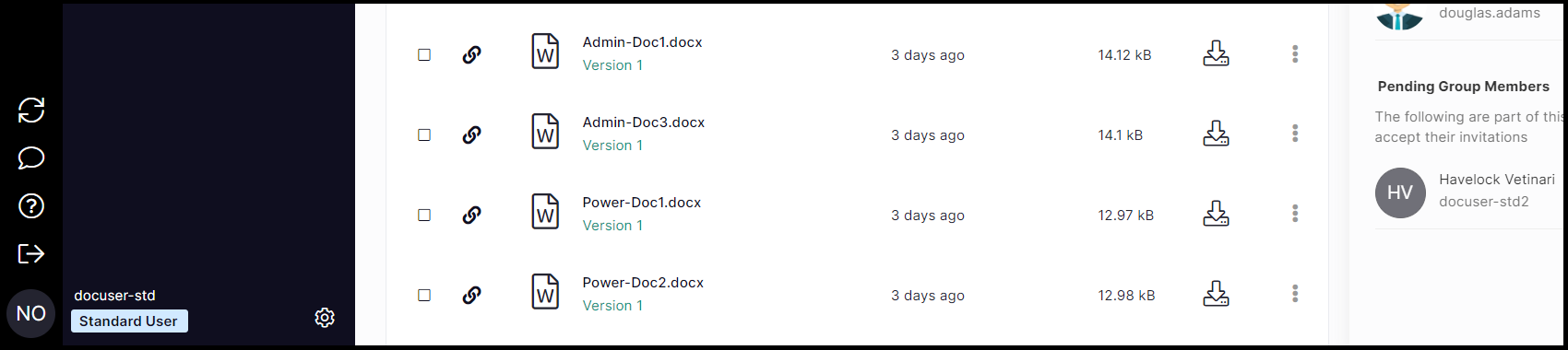
The file name is removed from the group file list.
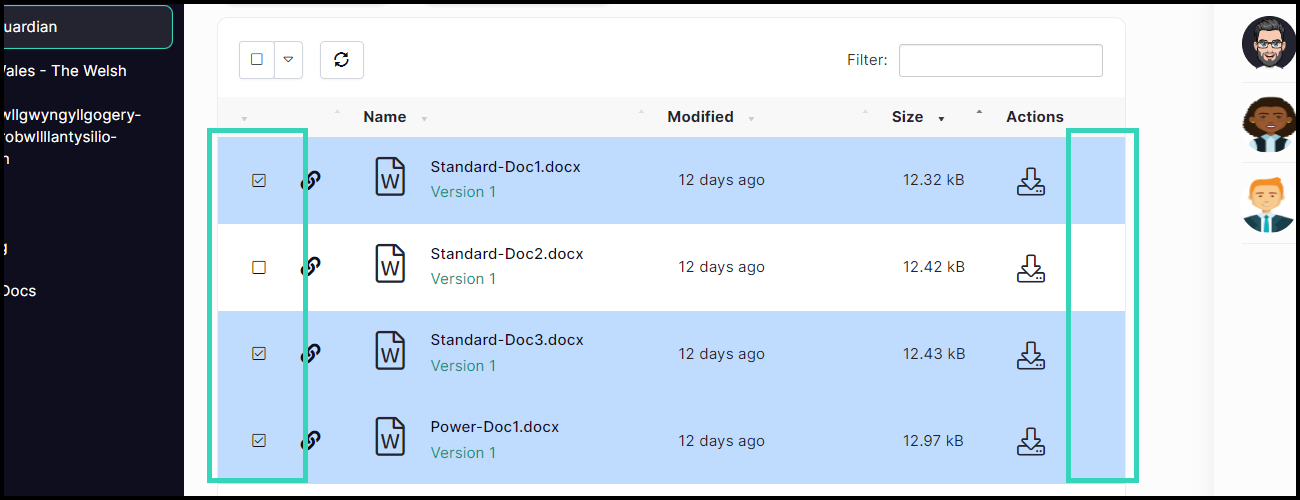
To delete more than one file, select the required files and then
of the files in a folder, use 'File Actions > Select All' to select all of the files and then use the delete button on the top row.
When more than one file or folder is selected, the individual File Actions button is automatically disabled.
Deleted files can be restored by group owners and administrators by clicking on 'File Actions > Show deleted files' selector and then clicking the 'Undelete' icon.
Documents can also be deleted by purging them. Purged documents can only be seen and undeleted by Forensic users.