Download files from SureDrop
Download individual files
Open the folder containing the required file.
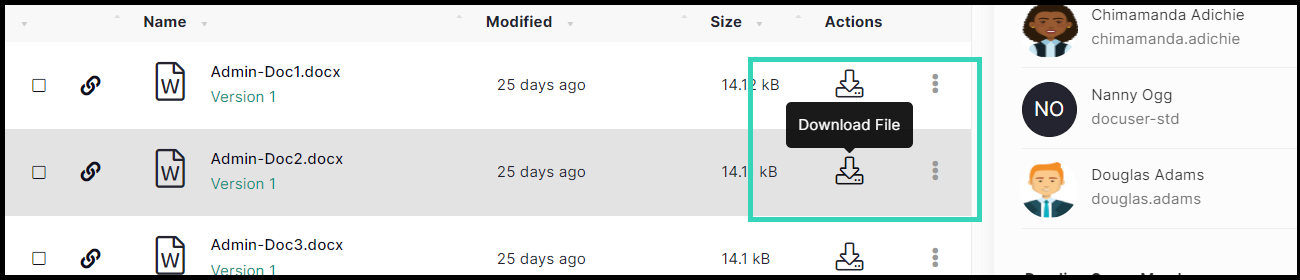
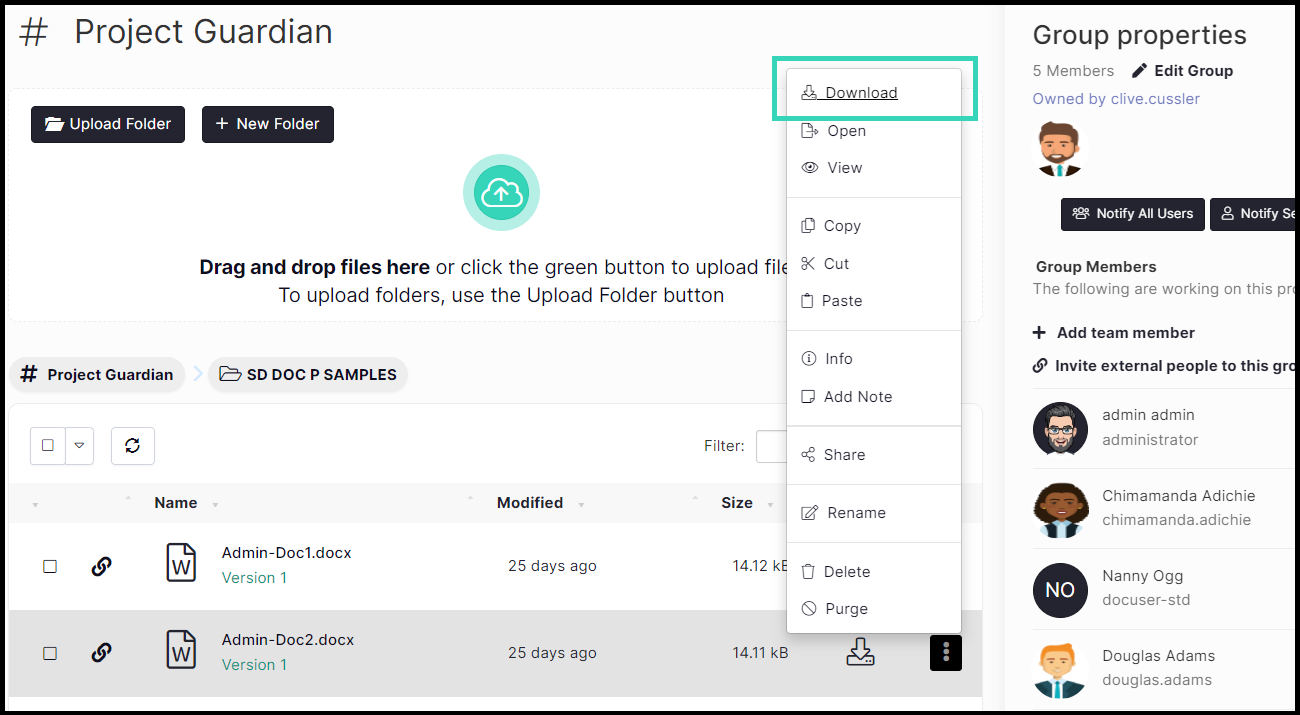
Select the correct file and either click on the Download icon
or select Download from the File Actions pop-up menu.
Download as Zip
SureDrop files and folders can be downloaded as a Zip archive on-the-fly. That means the archive is created on-demand totally asynchronously and does not buffer any intermediate files in memory. It is a completely transparent operation to the end user and provides the ability to share folders including sub-folders.