Edit the Properties of a Group
The general properties of a group can be amended at any time.
Open the Group Properties sidebar and click on the Edit Group link towards the top of the sidebar.
Available to Admin, Forensic and Power users only
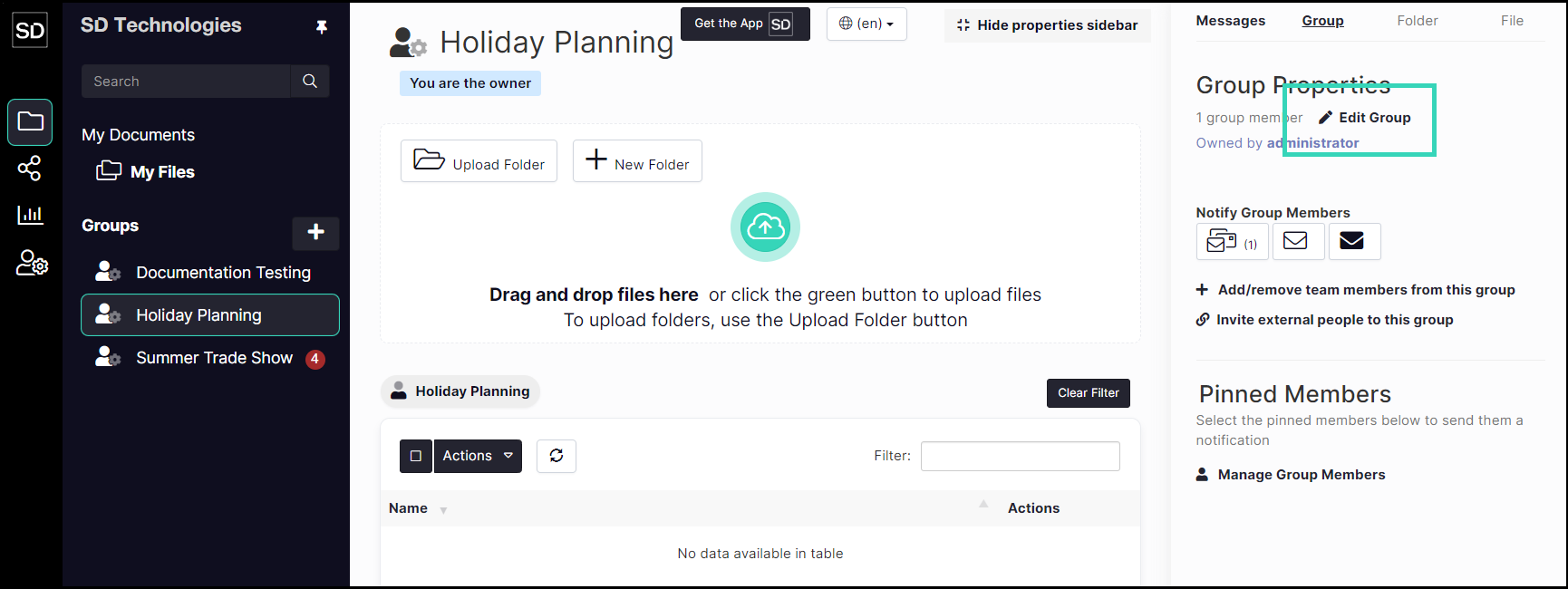
This will open the Update Group dialog.
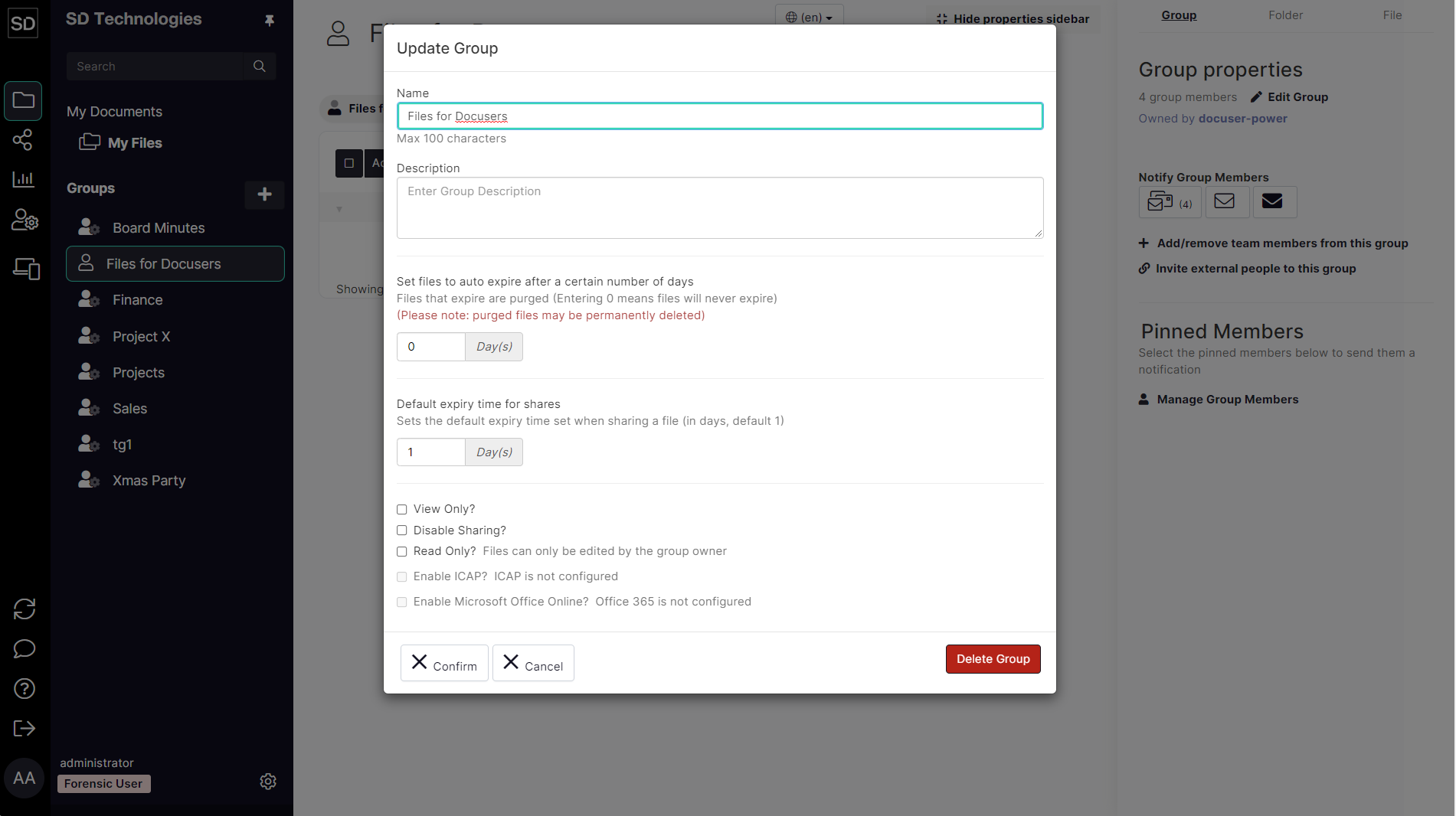
From the Update Group dialog window you can
Change group name and description
Set a default value for how long files are available
Limit the duration of shares
Set files to be view only
Disable sharing completely
Allow only the group owner to add files