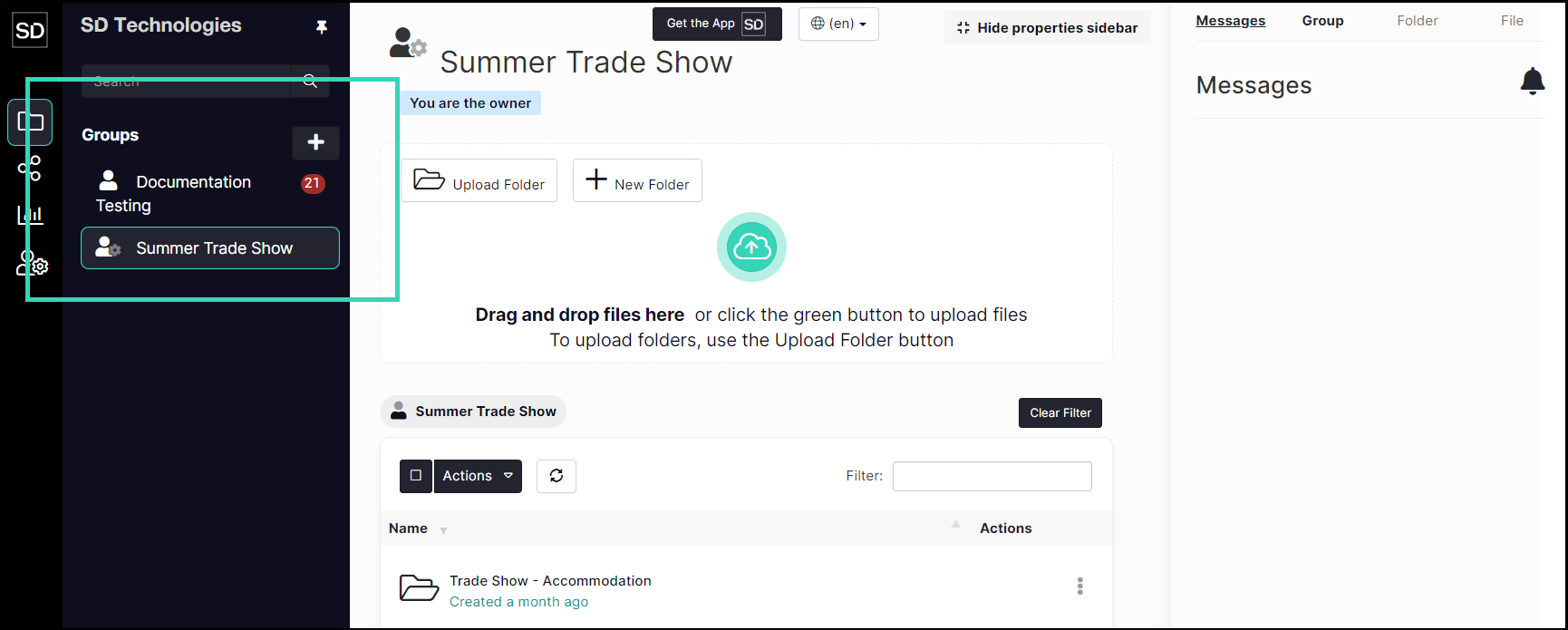
Enable Private "My Documents" Folders
The My Documents folder provides a user with a separate directory within SureDrop where they can store and edit files before sharing them with other members of their secure group.
The default option is that the folder is available to each group member.
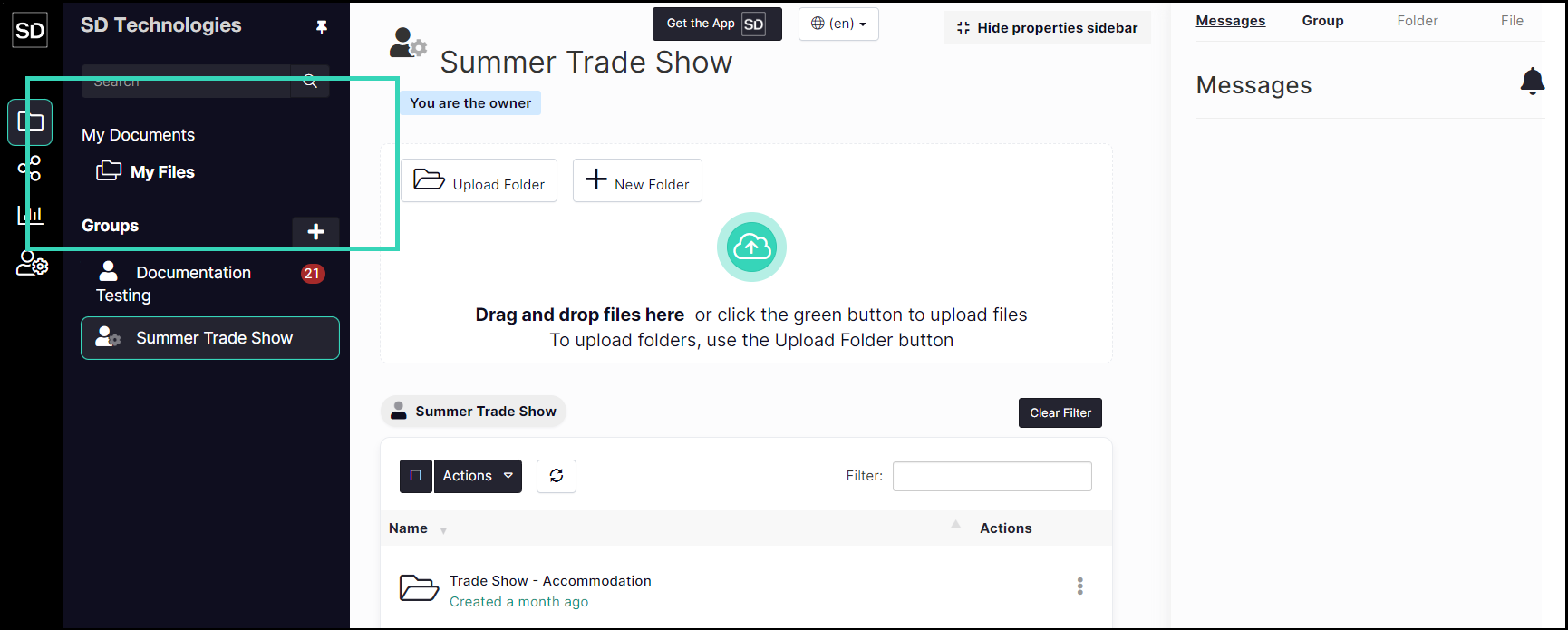
If you want the members of your Team to only work in, or have access to, folders available to all members you will need to deselect this option for the group.

On the Team-Wide Settings window, locate the Enable Private My Documents Folders control and deselect the option.
Click the Save button to update the settings.

A message is displayed to indicate the changes have been implemented.

The My Documents directory and My Files folder will not be displayed in the left-hand navigation bar for any Team member.