File Expiry
If your workflow processes limit for how long files can be stored or amended, you can set the length of time your files are available to team members. For example, files may only be needed for a week or possibly only until the delivery date of a project.
Admin and Forensic users only
If you wish to limit the number of days that documents are available, click the Edit Group link towards the top of the Group Properties sidebar.
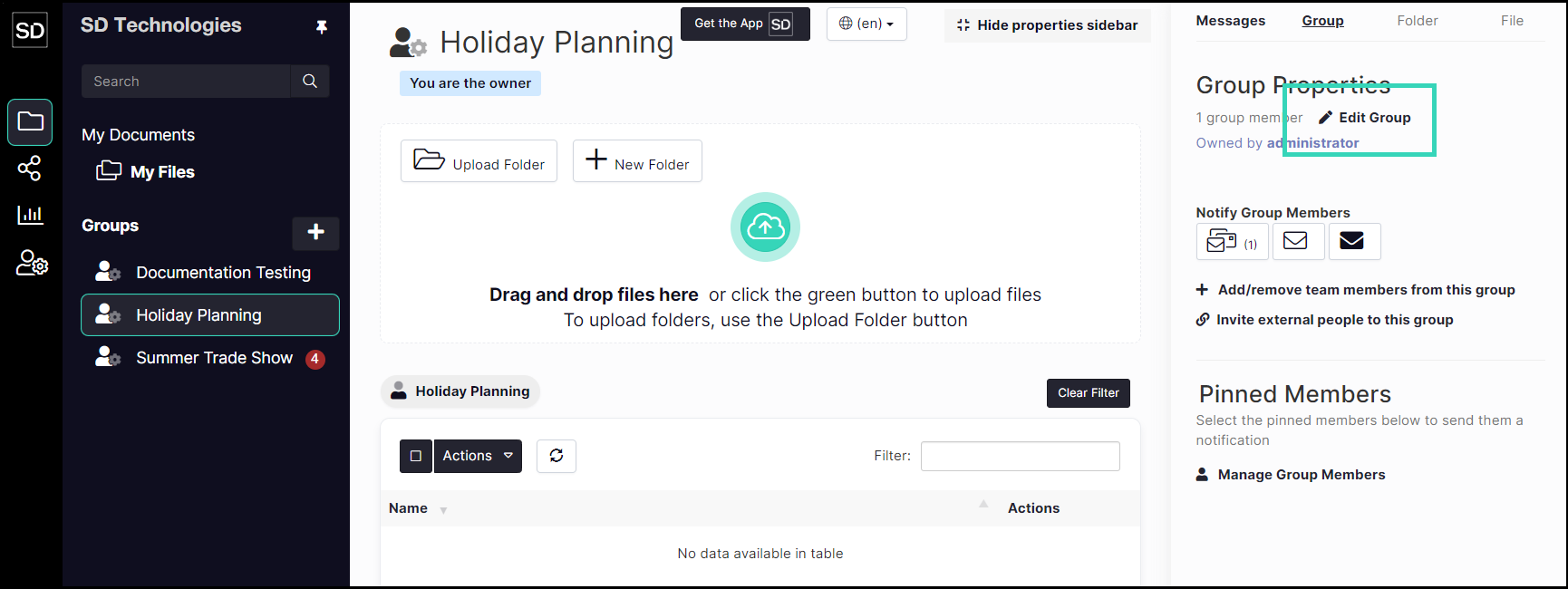
From the Update Group dialog window, enter the required number of days in the File Expiry field.

If no other changes are required, click the Confirm button.
