File Sharing Notifications
SureDrop provides both 'share read receipt' and 'file change' notifications.
File share notification
When you share a file, an email is sent to the recipient notifying them that a file has been sent to them. The email contains a link to allow them to login to SureDrop to access the related content.
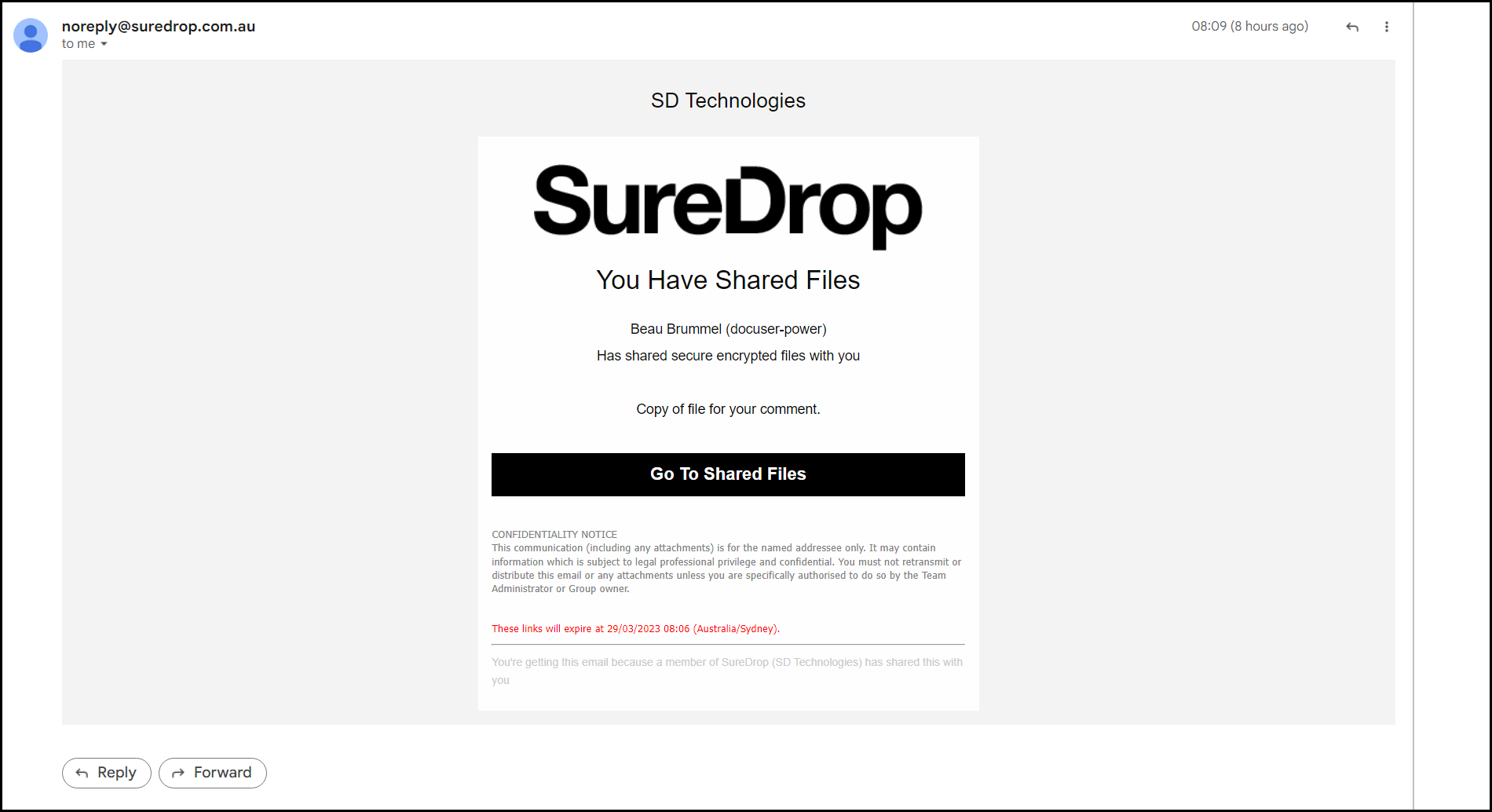
Click the Login and Take a Look button. This will take you to your SureDrop Team login page and after successfully accessing the system, you will be
Recipient download notification
Receipt notifications are enabled as part of the 'file sharing' procedure.

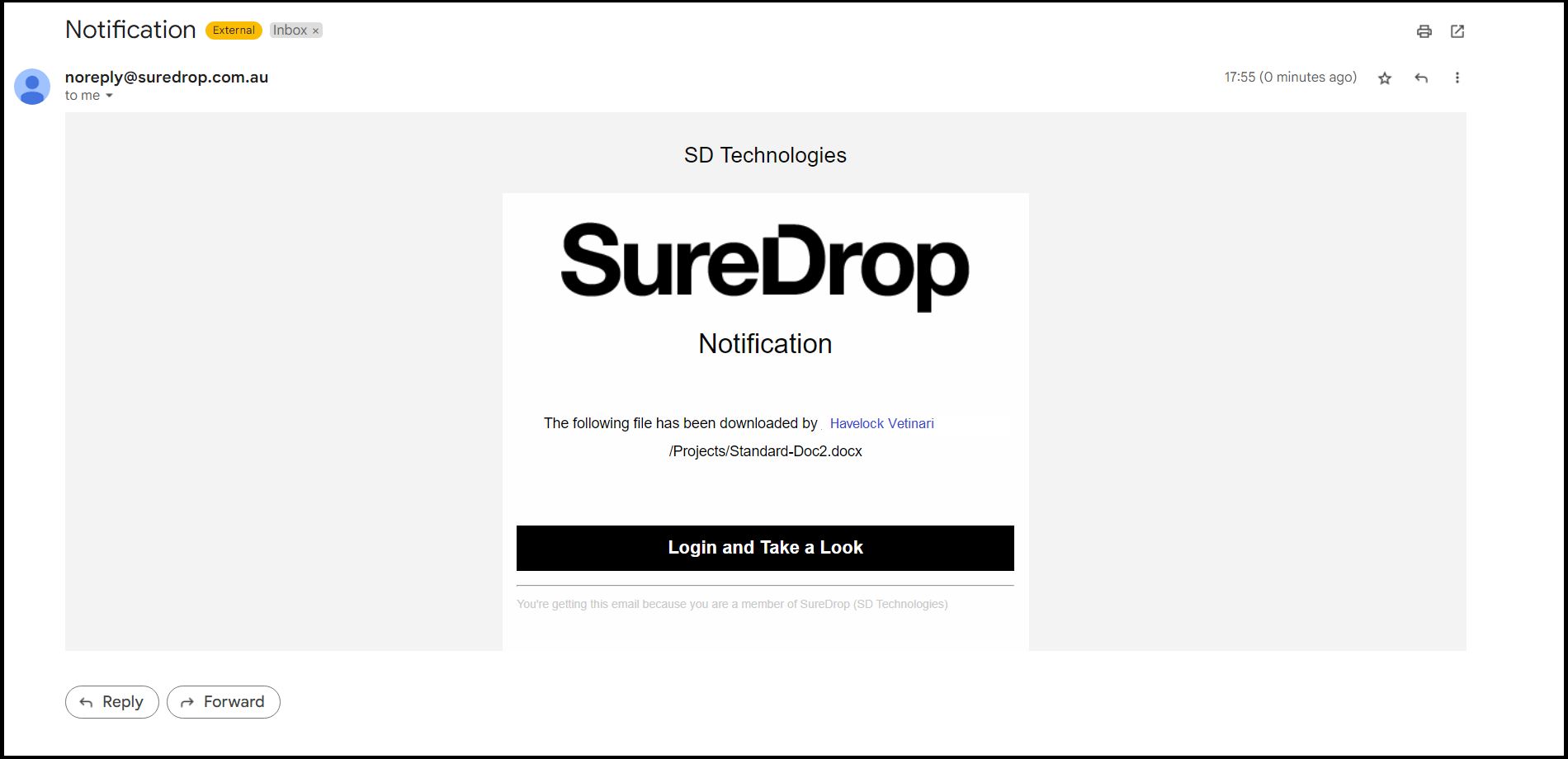
When the recipient downloads or opens the shared file, an email is sent to you to notify of this action.
Change notifications are used to advise either selected or all users that you have made changes to one or more documents: