Group Checkbox Options
Admin and Forensic users only
Click the Edit Group link towards the top of the Group Properties sidebar.
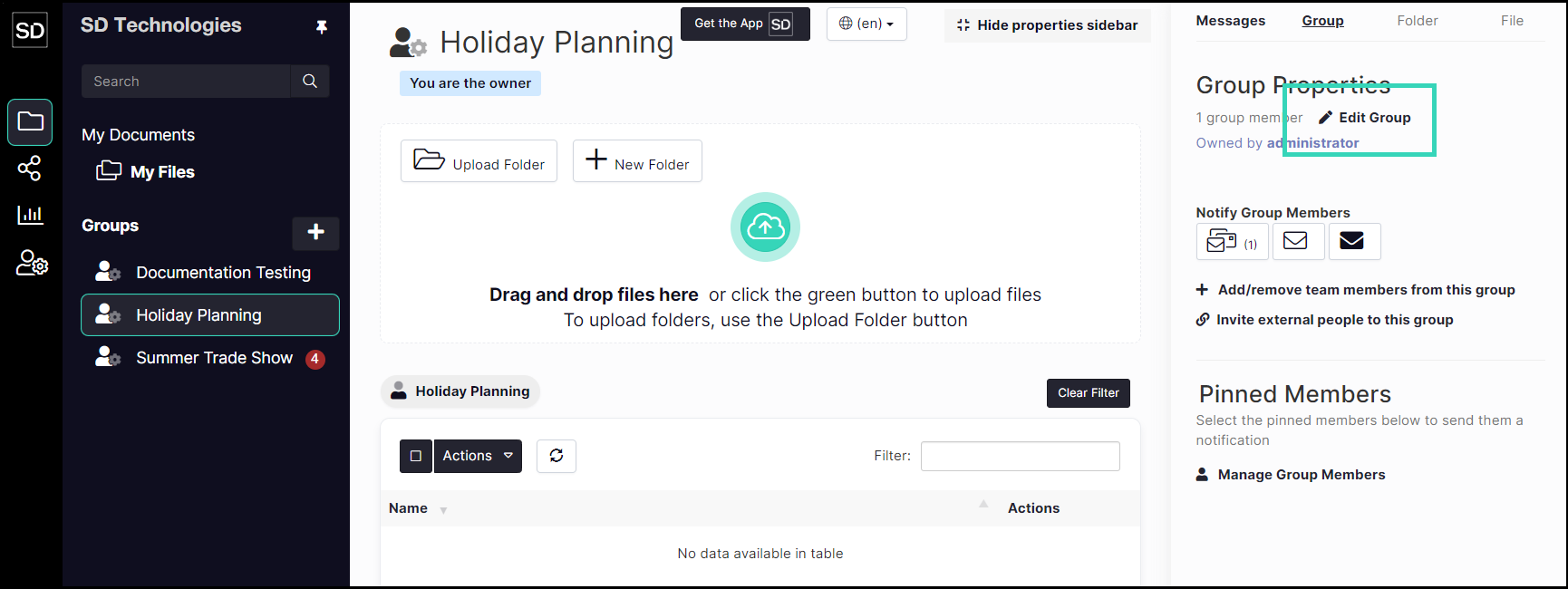
From the Update Group dialog window you can:
Set files to be view only
Disable sharing completely
Allow only the group owner to add files

Set files to be View Only
Disable Sharing
Click the Edit Group link towards the top of the Group Properties sidebar.
Selecting the Disable Sharing checkbox means that members will only be allowed to read files.

No file may then be shared with other users.

Allow only the group owner to add files
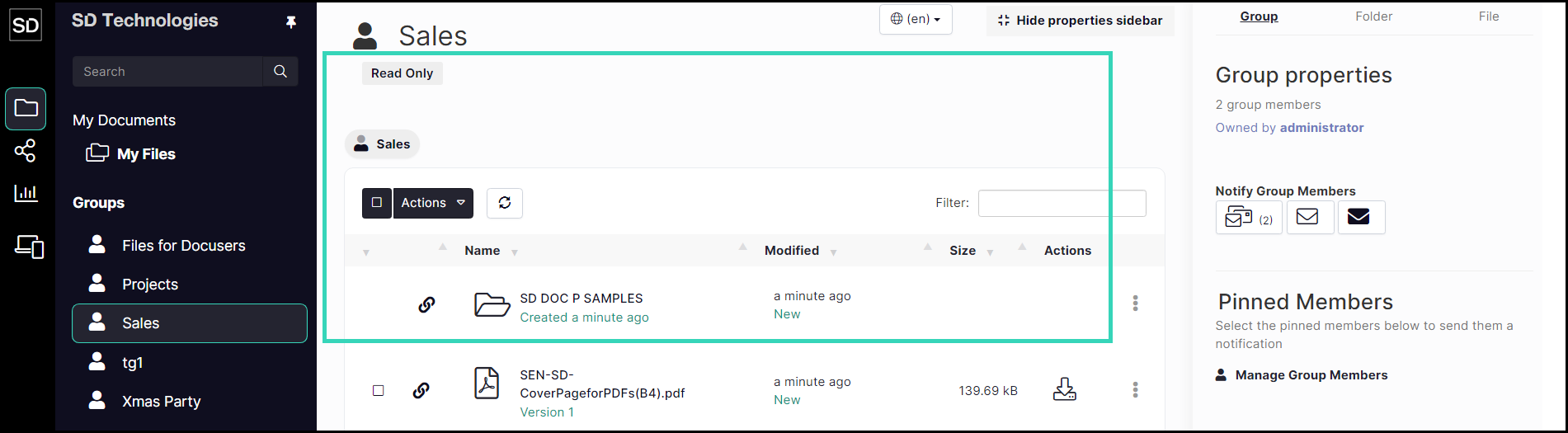
Selecting the Read Only checkbox means that only the group owner can add files to the group directory.
The file and folder list
If no other changes are required, click the Confirm button.
