Group Notifications
When files are added, amended or deleted, members of the group can be informed of the changes.
There are three ways to notify members of a group about changes to documents relating to them. You have the option to:
Notify All Members
Notify All Pinned Members
Notify Selected Member
These options can be selected from the Notify Group Members section of the Group Properties sidebar.
When a group is first created the three notification buttons appear as shown in the image below.
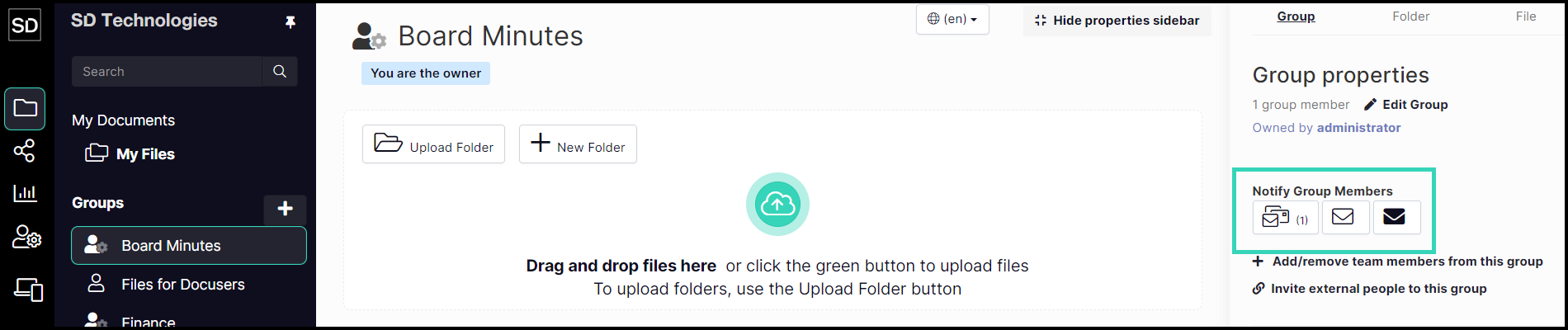
As members are added to a group, and then pinned and selected, the numbers next to the notification buttons change. In the example below, there are seven members in the group, two have been pinned and one selected.

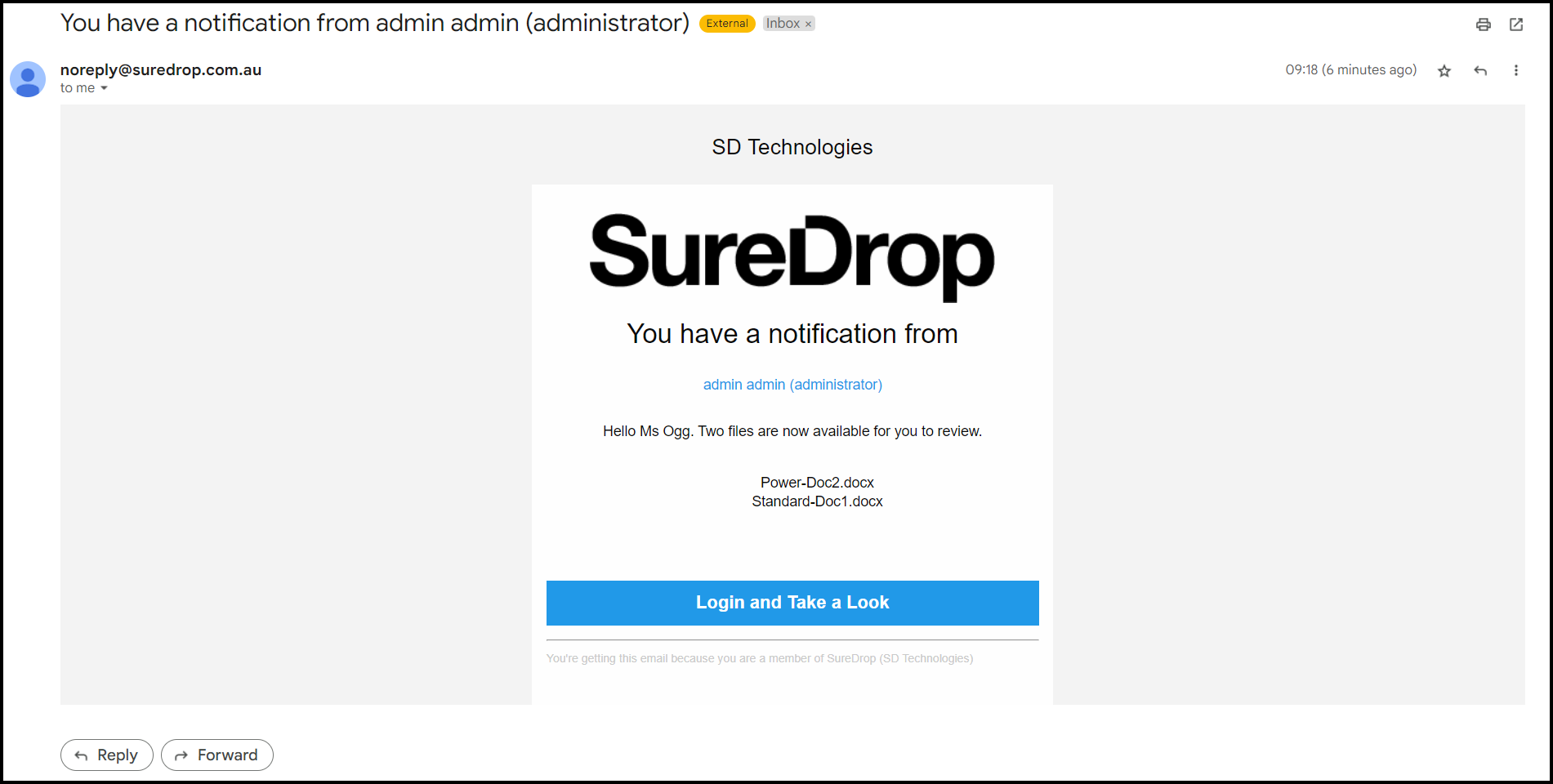
Those members selected to be notified will receive a Notification Email listing the files that have been amended. An example is shown below: