Group Properties
The SureDrop interface for a particular user lists the folders and individual files that they are able to access.
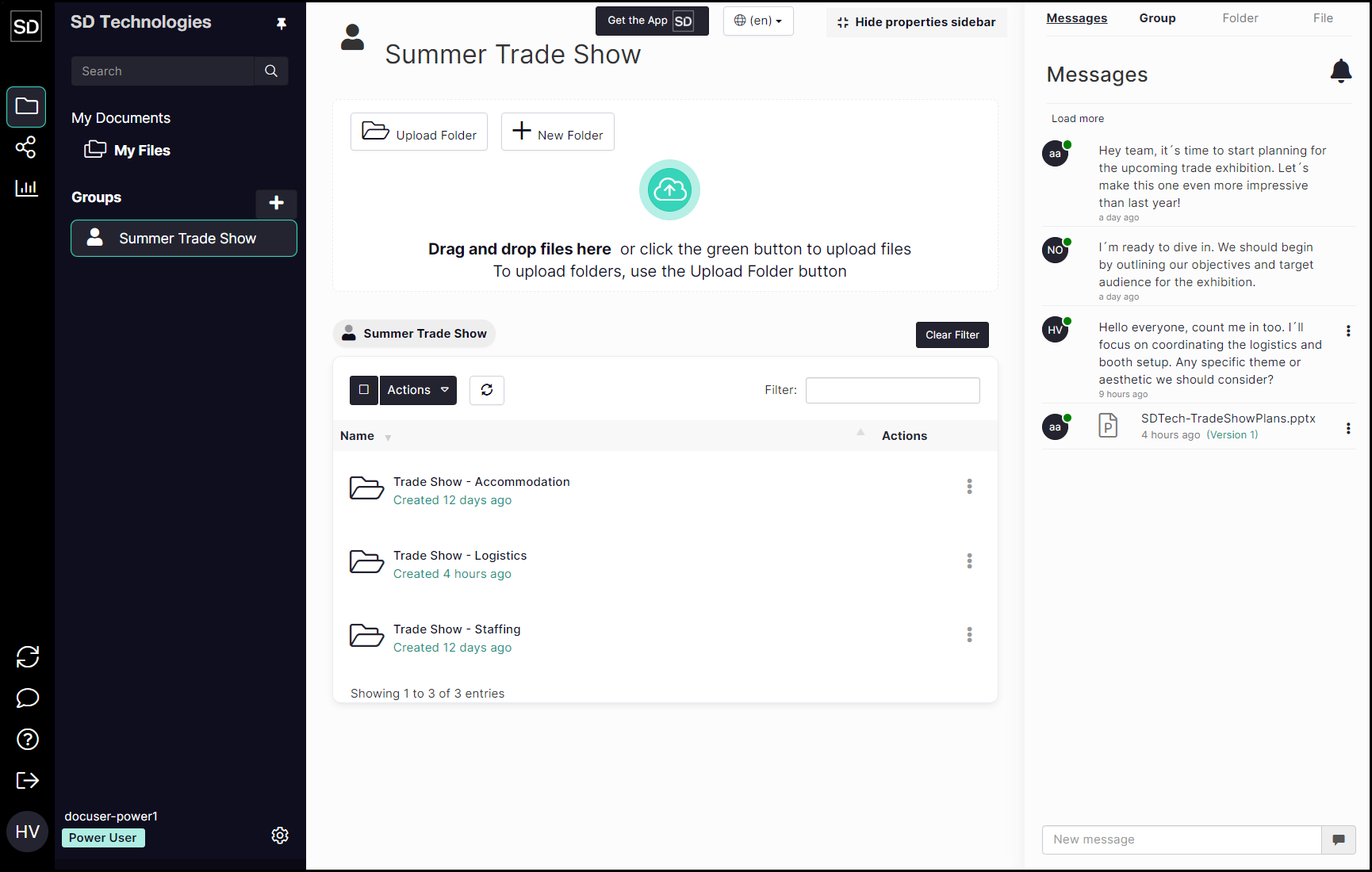
The left-hand navigation bar lists all the groups of which they are a member.
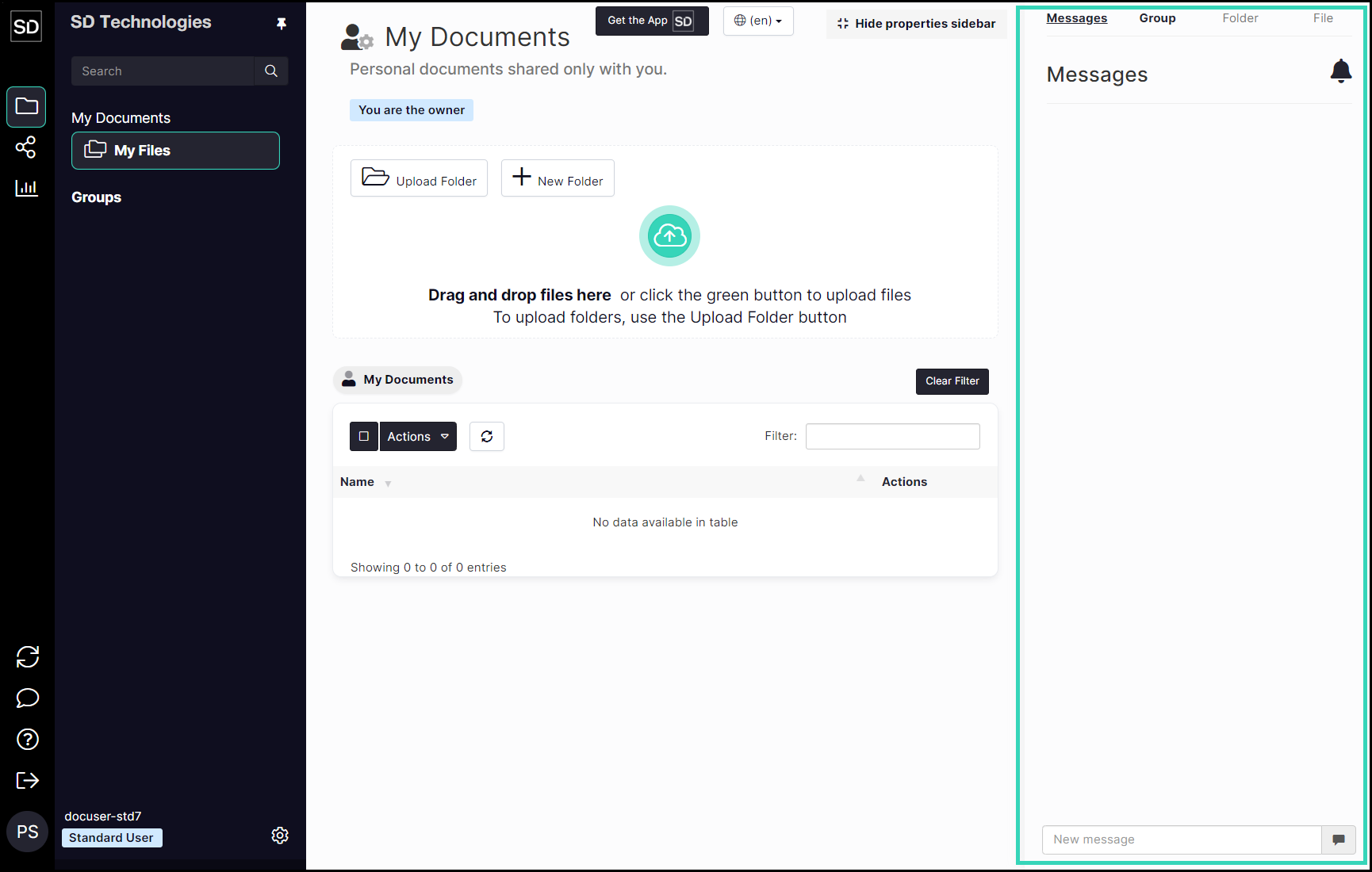
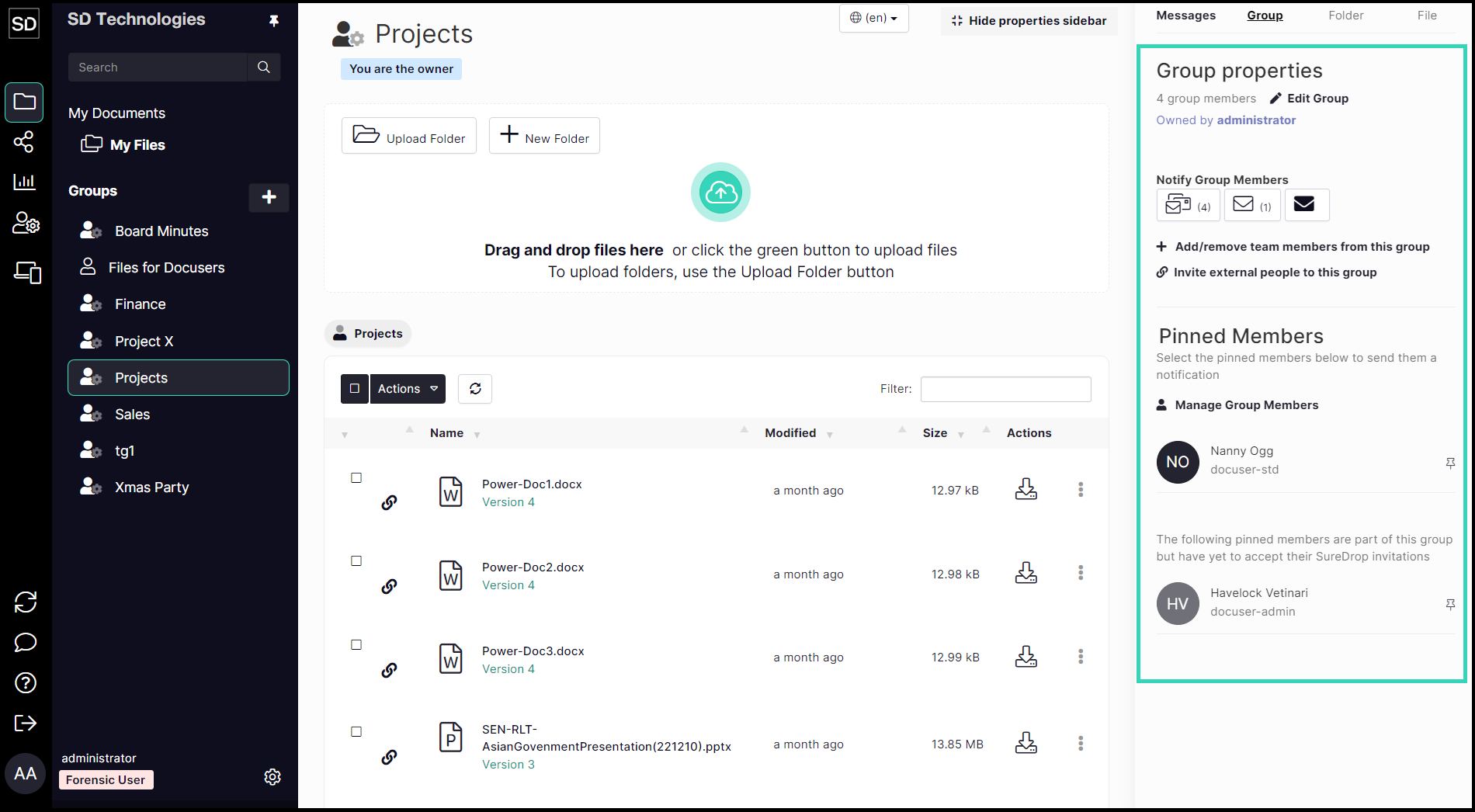
When a specific group is selected, the initial display will be similar to that shown below. (The green rectangle indicates the area where property information will be displayed.)
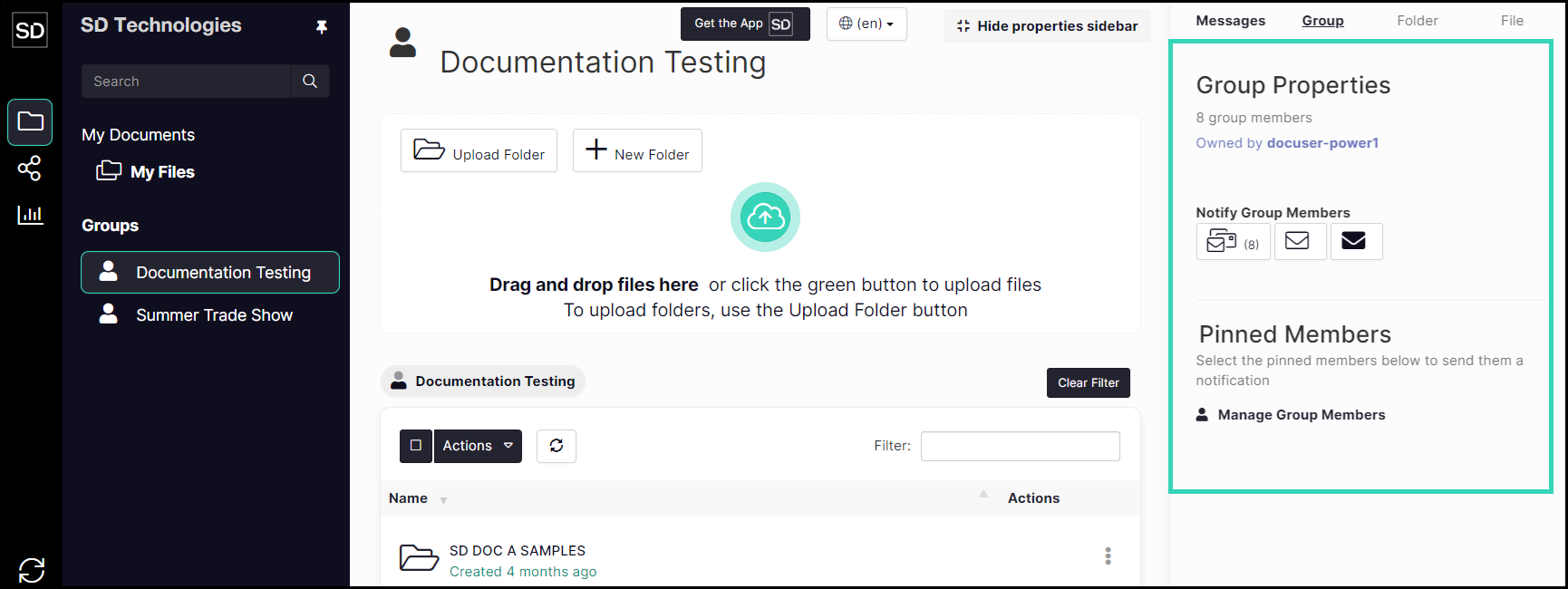
The Group Properties sidebar gives access to a number of editing tools as well as information about a particular group.
Admin and Forensic users have access to additional tools and functions.
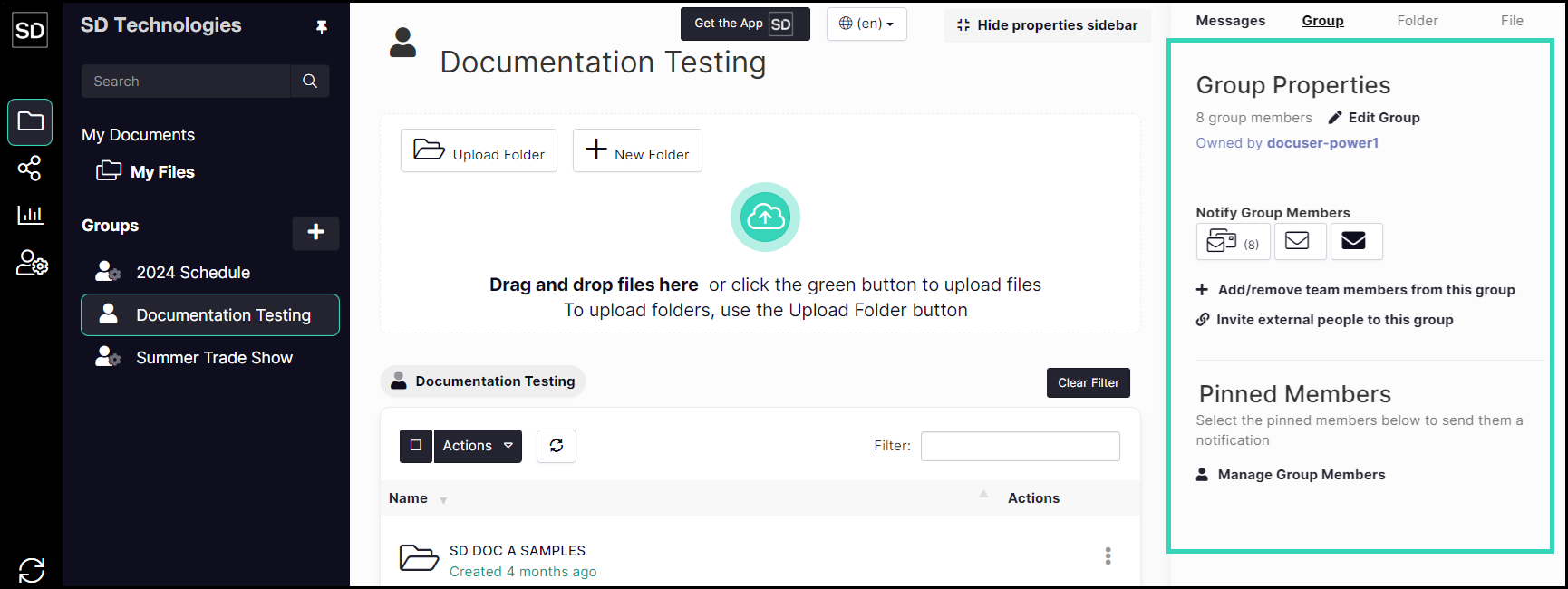
Additional functions for Admin users include the ability to add and remove members from a group

https://assets.suredrop.io/SureDrop-UserDocs-Images/SEN-SureDrop-Group-Properties-Displayed.png