Identity Provider Settings
Admin and Forensic users only
Administrators decide which identity provider is used as part of the authentication process.
SureDrop can now be integrated with three identity providers for single-sign-on, namely
Windows Server Active Directory (using LDAP) and
SafeNet Trusted Access from Thales.
This feature can be turned on by your Team administrator (or a forensic user).
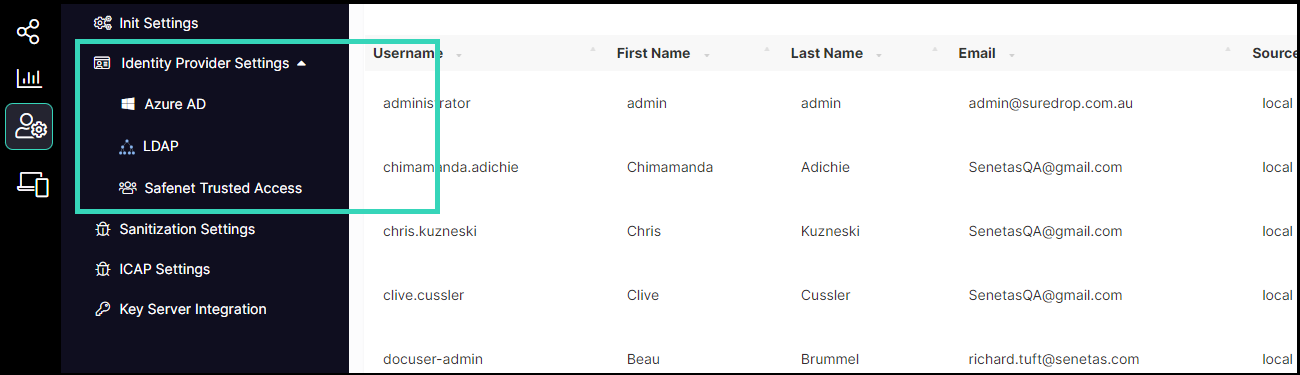
To configure an identity provider, open the Admin functions and click on the Identity Provider Settings link to display the window illustrated below:
https://assets.suredrop.io/SureDrop-UserDocs-Images/SEN-SureDrop-Admin-IdentityProviderSettings-ProviderList.png
Once turned on, SureDrop will continually poll the configured IDP every 2 minutes.
Click on the link to one of the three recommended identity providers.