Individual Usage Data
Users with administrative privileges are able to see both global statistics as well as those relating to each individual Team member. To see the statistics for a particular user, an admin user can click on the Global Statistics button and then select an individual user from the left hand panel.
The statistics data grid will update to display the data usage of the selected user.
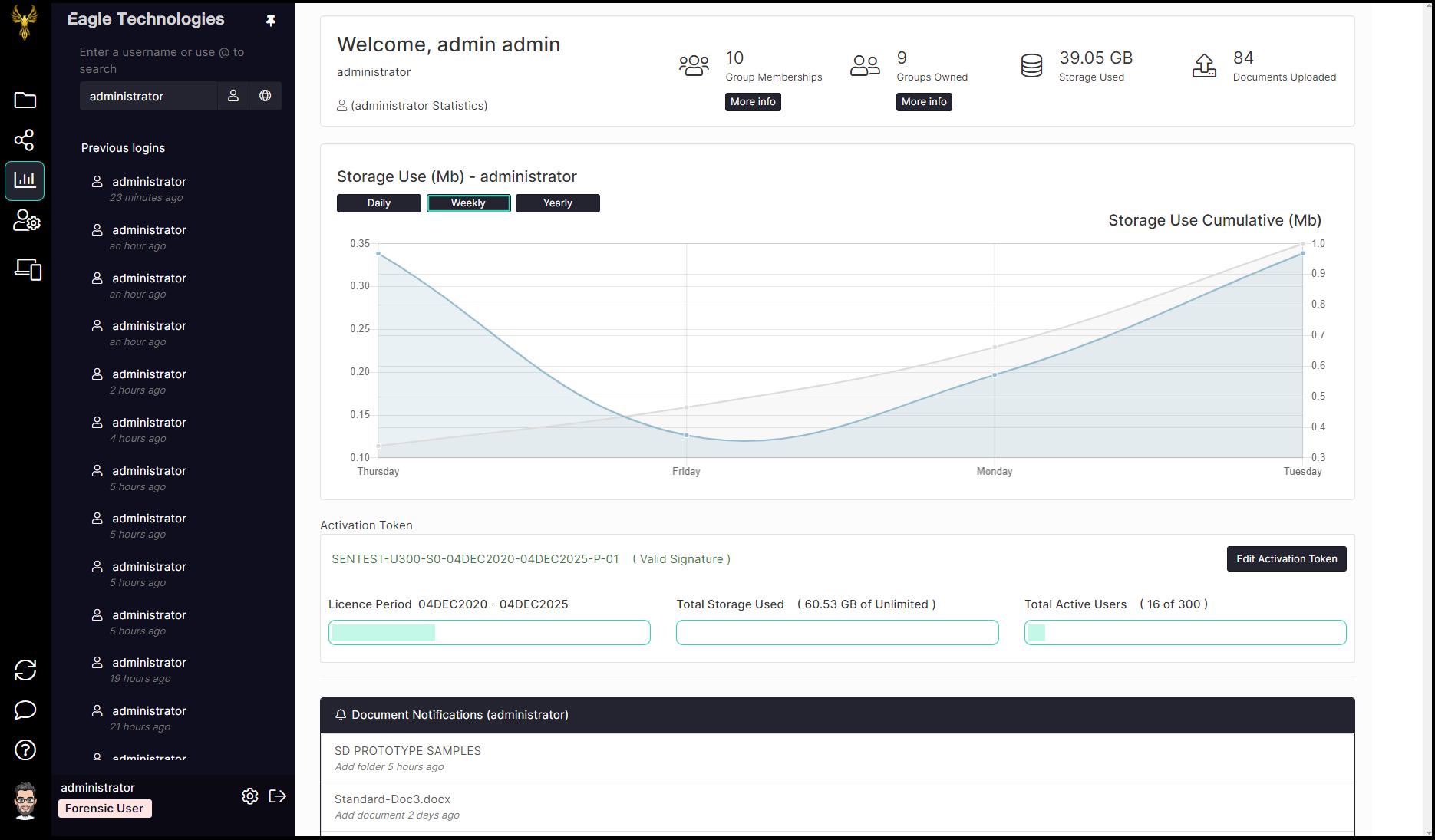
Alternatively, a Standard or Power user can see only the usage statistics for their own account.

Click on the More Info buttons below the summary statistics area to display detailed information about the groups to which the user is a member as well as those that they own.

The usage summary also shows the total amount of disk storage being used as well as the total number of files you have uploaded.
Group memberships
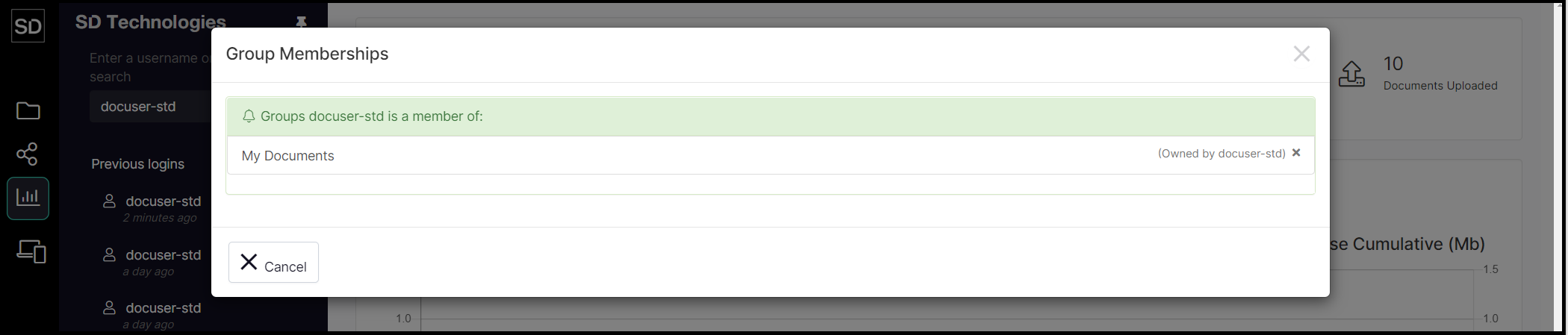
Your Team administrator or other users with administrative privileges can assign you to those groups that are relevant to you.
Click the More Info button to display a list of all the groups to which you have been assigned.
Group ownerships
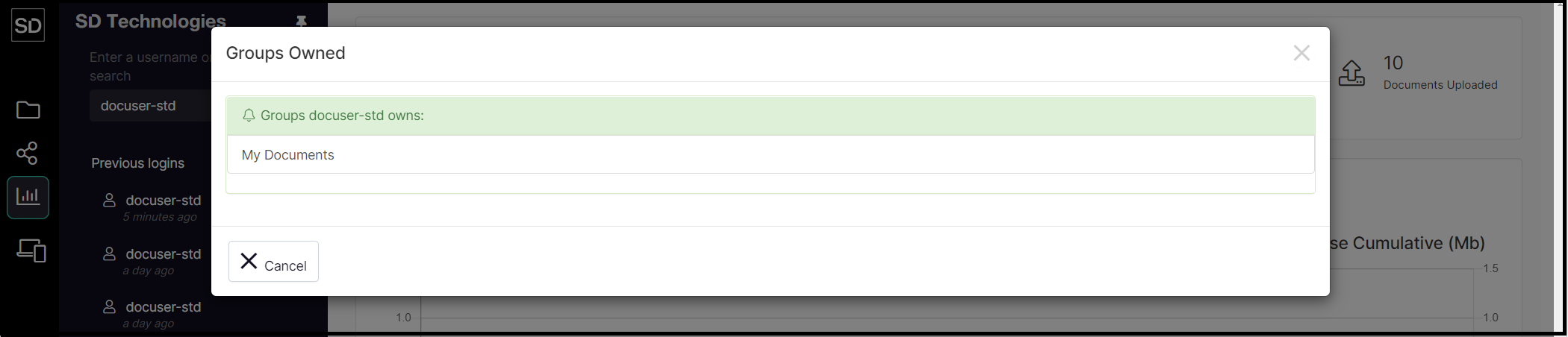
Any user can be assigned to the role of group owner, which gives them access to statistics about file usage for a specific group.
Click the More Info button to display a list of all the groups of which you are the owner.