Key Server Settings
Admin and Forensic users only
In computer security, a key server is a computer that receives and then serves existing cryptographic keys to users or other programs. The SureDrop Key servers are integral to the security of your stored data.
SureDrop generates a key pair, where one of the keys is kept private while the other is publicly available. To save the time it takes to manually request and receive public keys, a key server acts as central repository to alleviate the need to individually transmit public keys and can act as a starting point of a chain of trust.
Cryptographic keys are usually distributed as part of a protected public key certificate containing the key as well as information about the key owner.
To configure your Team’s key server, open the Admin functions and click on the Key Server Settings link to display the window illustrated below:
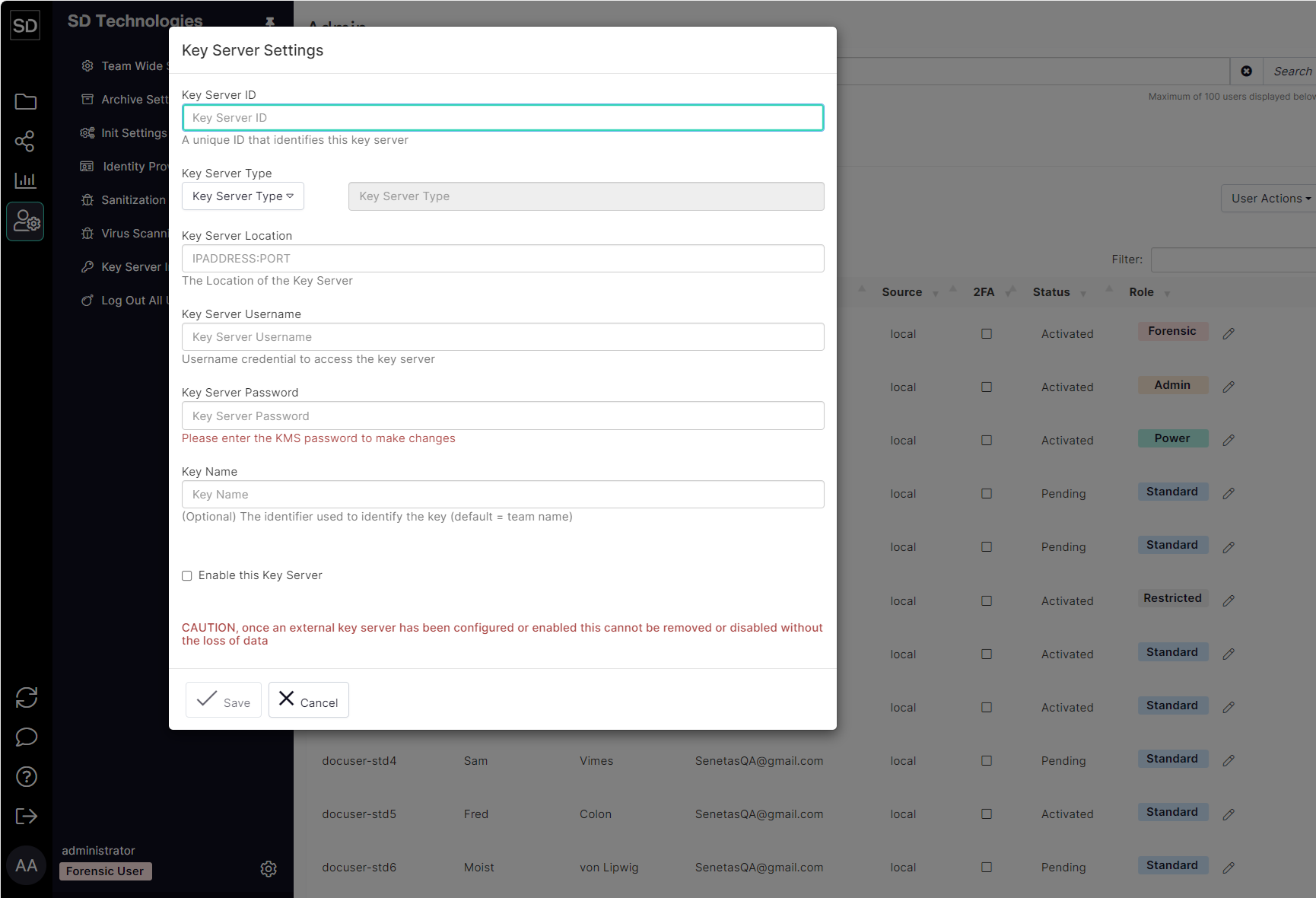
After entering the required details in the various fields, select the Enable this Key Server checkbox and then click the Save button.
