Notify All Group Members
If you want to send a notification to all members of your Team, use the Notify All process.
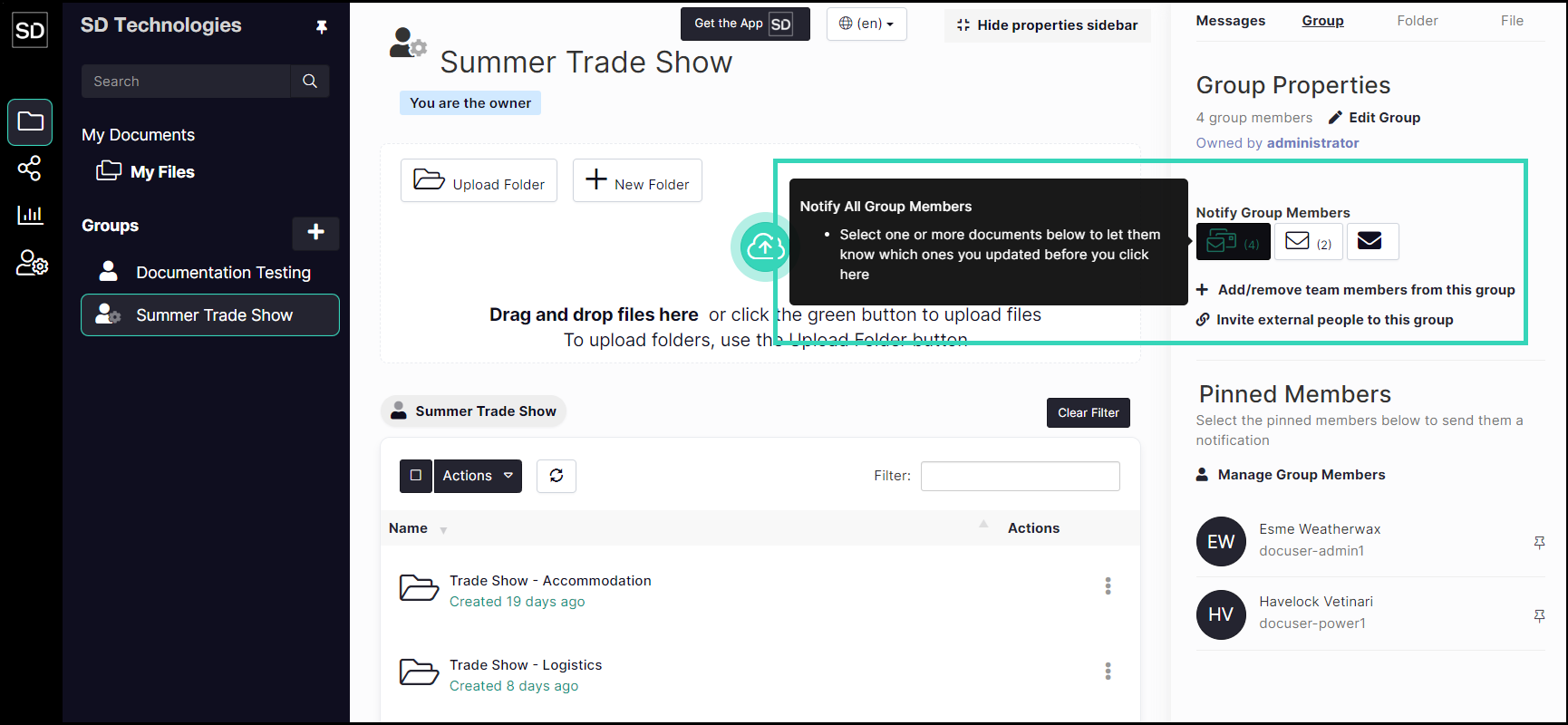
Select the files in the security group directory.

https://assets.suredrop.io/SureDrop-UserDocs-Images/SEN-SD-Group-Notify-FilesSelected.png
Then click on the Notify All Group Members button.
Enter the text of the message you want to be sent to all members of the group.
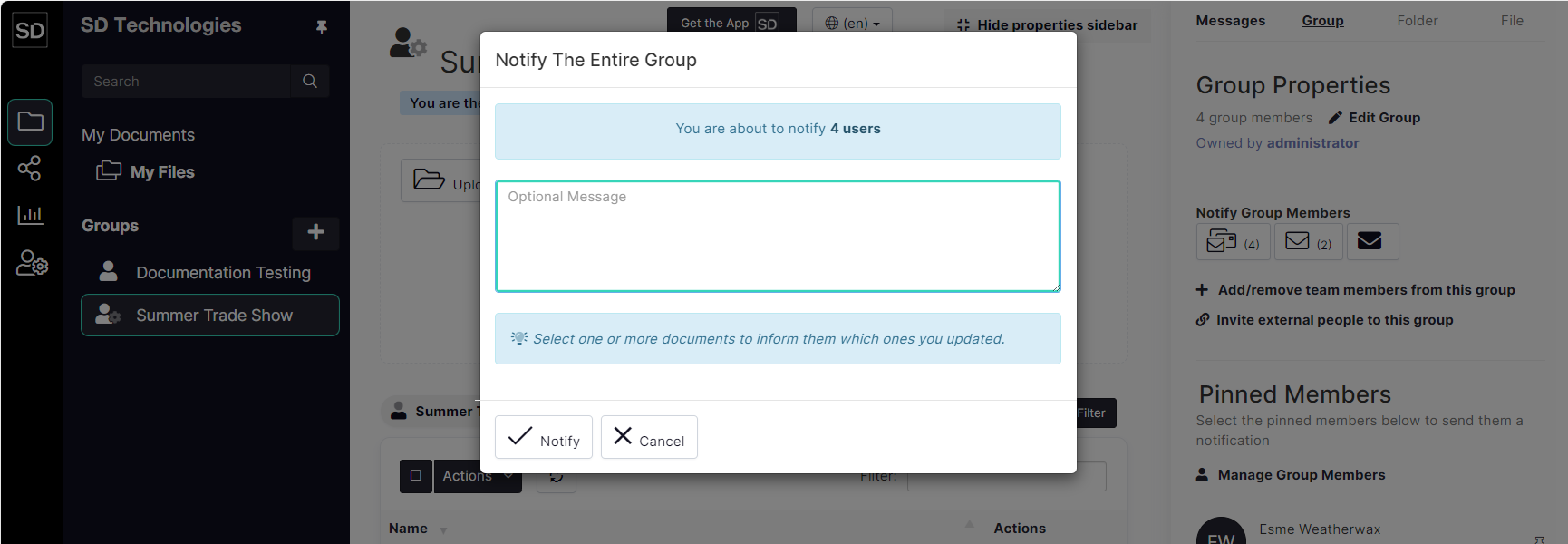
Click on the Notify button.
See Notification Email for an example of the email a member will receive.