Notify Selected Members
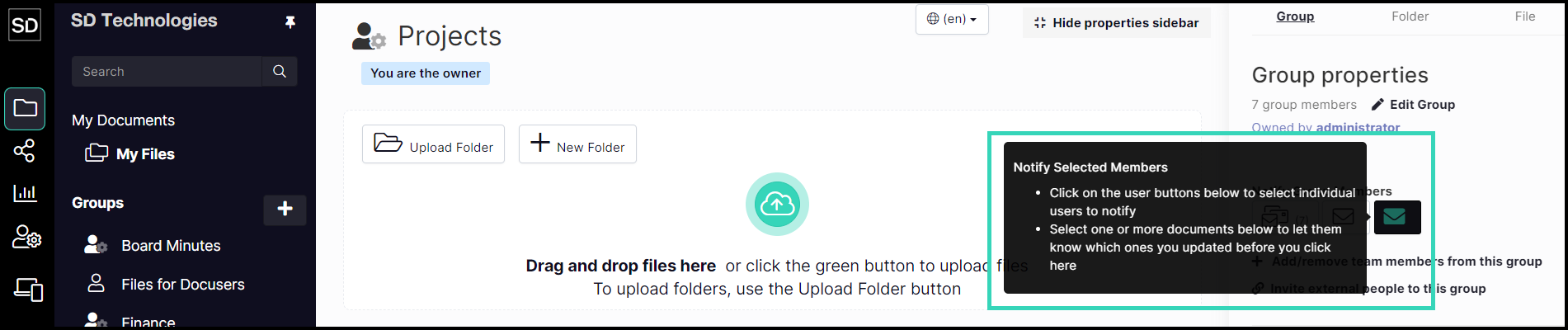
If you only need to notify specific members of a group about changes or additions, use the Notify Selected process.
First, select the files you wish to notify team members about.
Next, select the required members of the group by clicking on the icon adjacent to their name in the Pinned Members list.
Thirdly, click on the Notify Selected Members button.
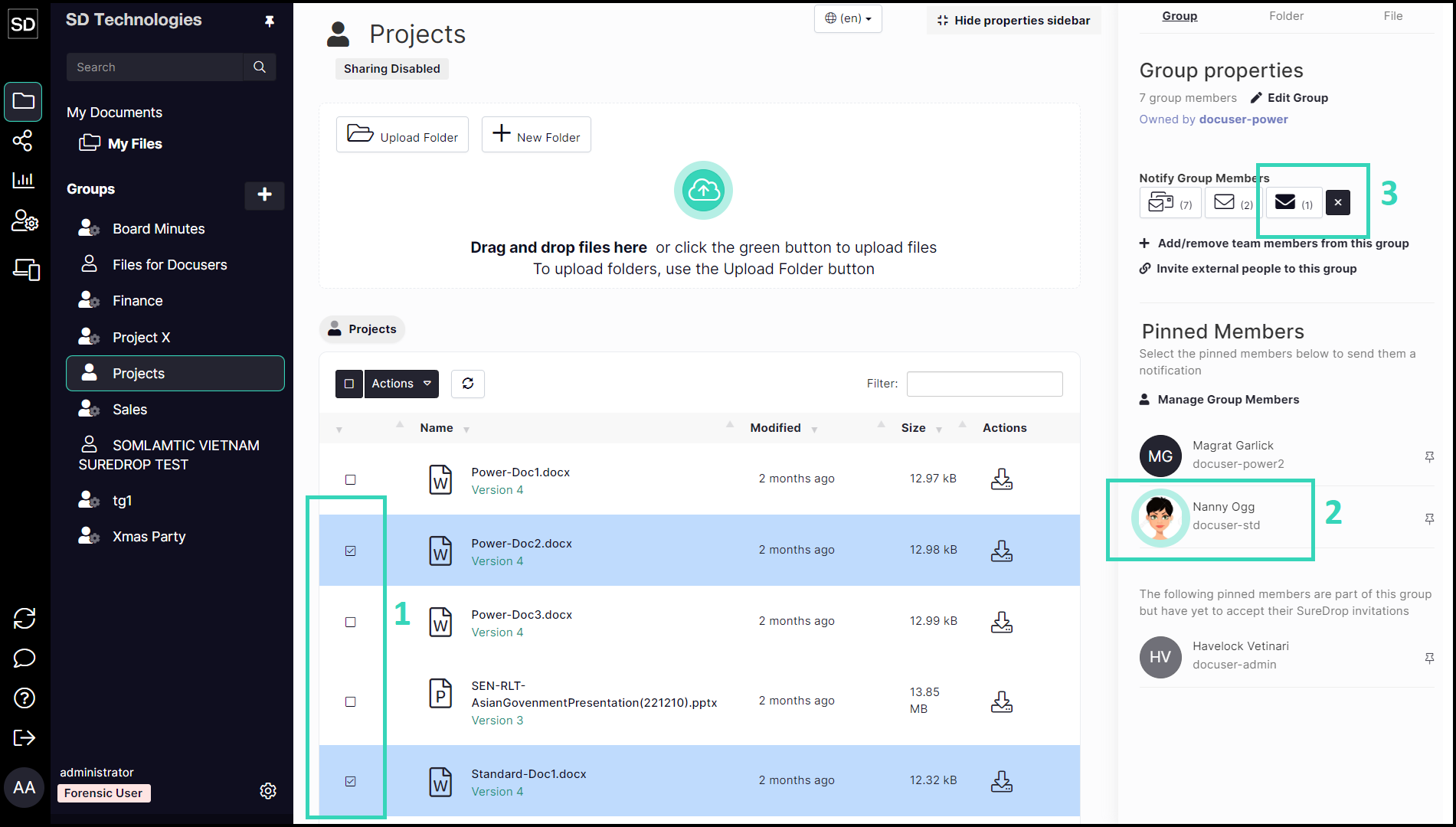
When you select one or more members, a “clear selection” button is displayed.
Use this to deselect all highlighted members.

Enter the text of the message you want to be sent to the members of the group.
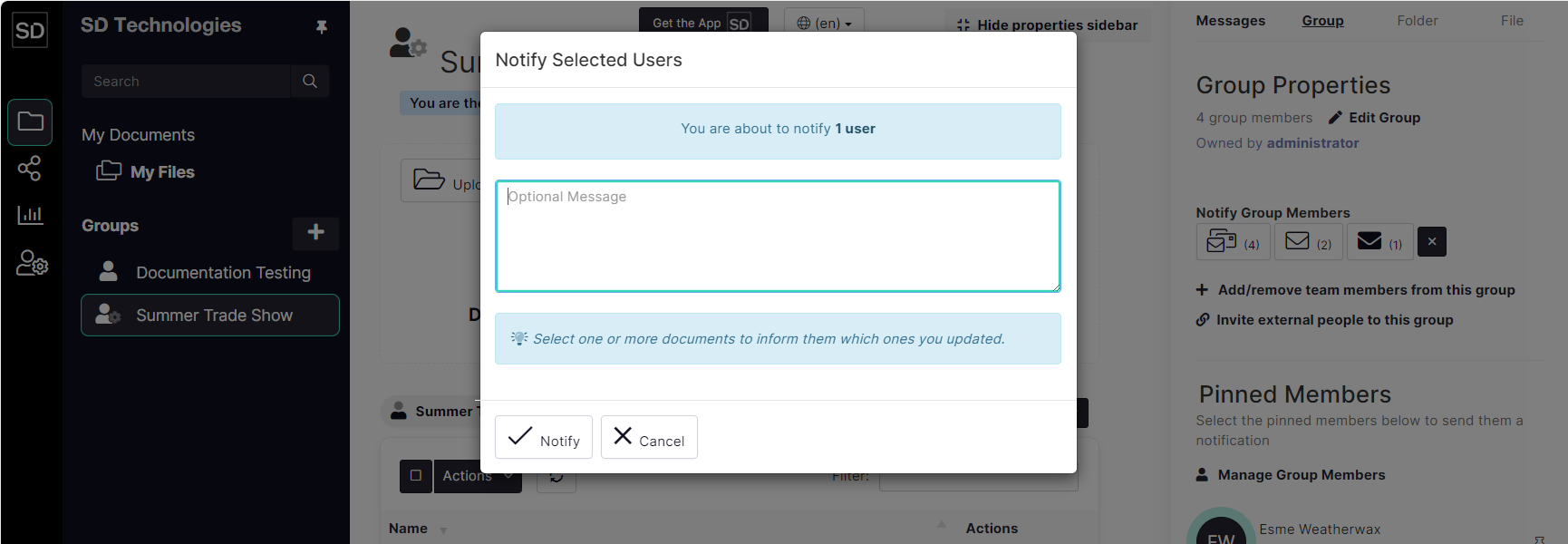
When you have entered the required message text, click the Notify button.
See Notification Email for an example of the email a member will receive.