SafeNet Trusted Access Settings
SafeNet Trusted Access (STA) has been integrated with SureDrop using the OIDC protocol.
Configuration of SafeNet is a two-step process, similar to Azure
An Administrator needs to configure STA (create groups, users, an OIDC application) and then configure SureDrop to connect to the IDP.
Open the Admin functions and click on Identity Providers to display the three supported options.
window illustrated below.
SureDrop then downloads the user information and allows SSO (single-sign-on) using STA.
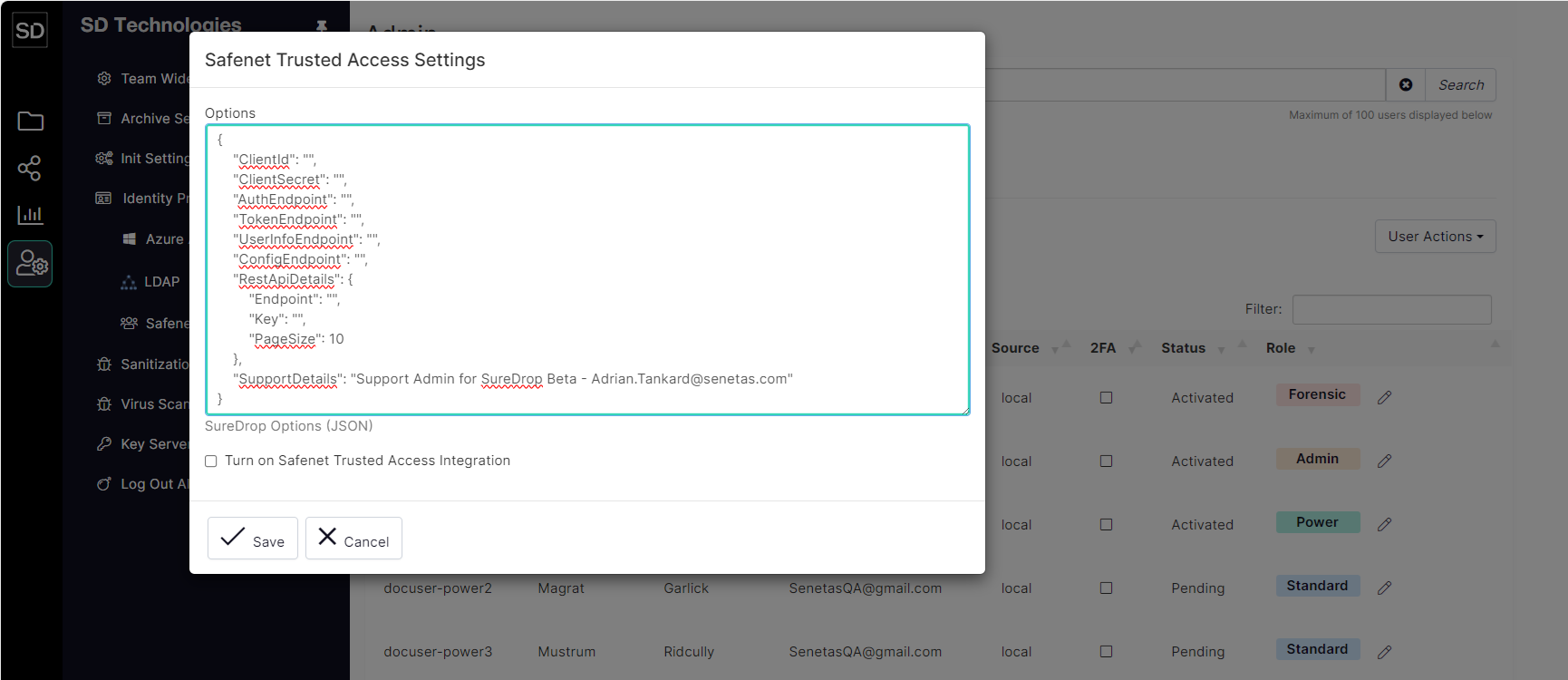
When you have entered all the required details, click the Save button to commit the changes and implement the integration.
