Sanitization Settings
Admin and Forensic users only
If your Team would like additional anti-malware protection, SureDrop is optionally available with the Votiro anti-malware add-on.
Votiro anti-malware leverages patented, next generation content disarm and reconstruction (CDR) anti-malware technology to proactively protect your files from the most advanced, persistent cyber-attacks.
Votiro sanitises incoming, shared and stored files, enterprise-wide; eliminating the risks associated not just with known threats, but with undisclosed cyberattacks and zero-day exploits.
Votiro preserves 100 percent of original file content and functionality, without disrupting user workflows.
To implement file sanitization, open the Admin functions and click on the Sanitization Settings link:
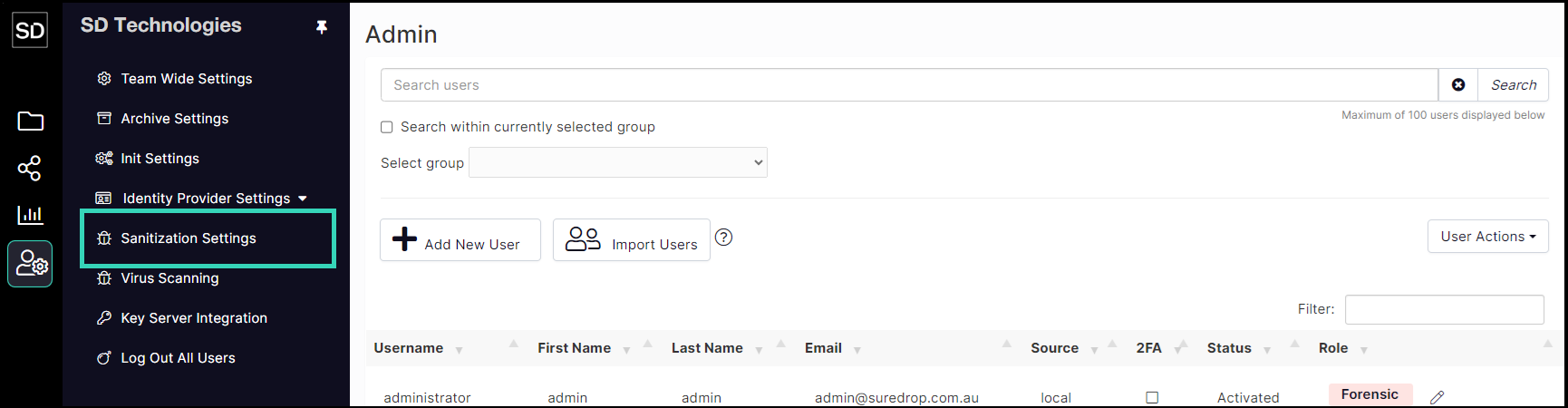
This displays the dialog window illustrated below:
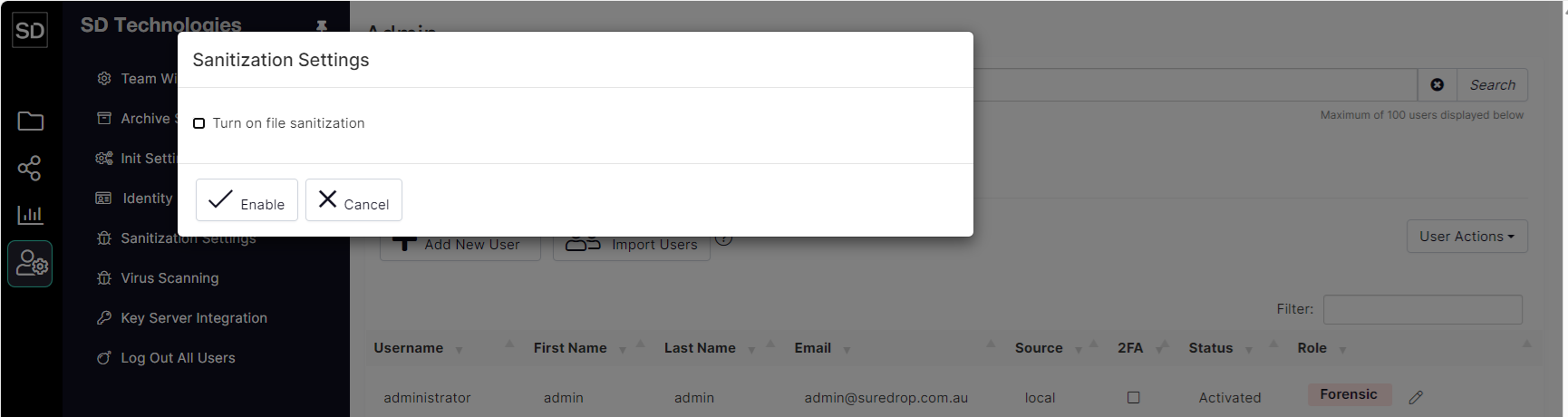
https://assets.suredrop.io/SureDrop-UserDocs-Images/SEN-SureDrop-Admin-SanitizationSettingsSelect.png
Select the Turn on File Sanitization checkbox to display fields where the files to be sanitized are identified:
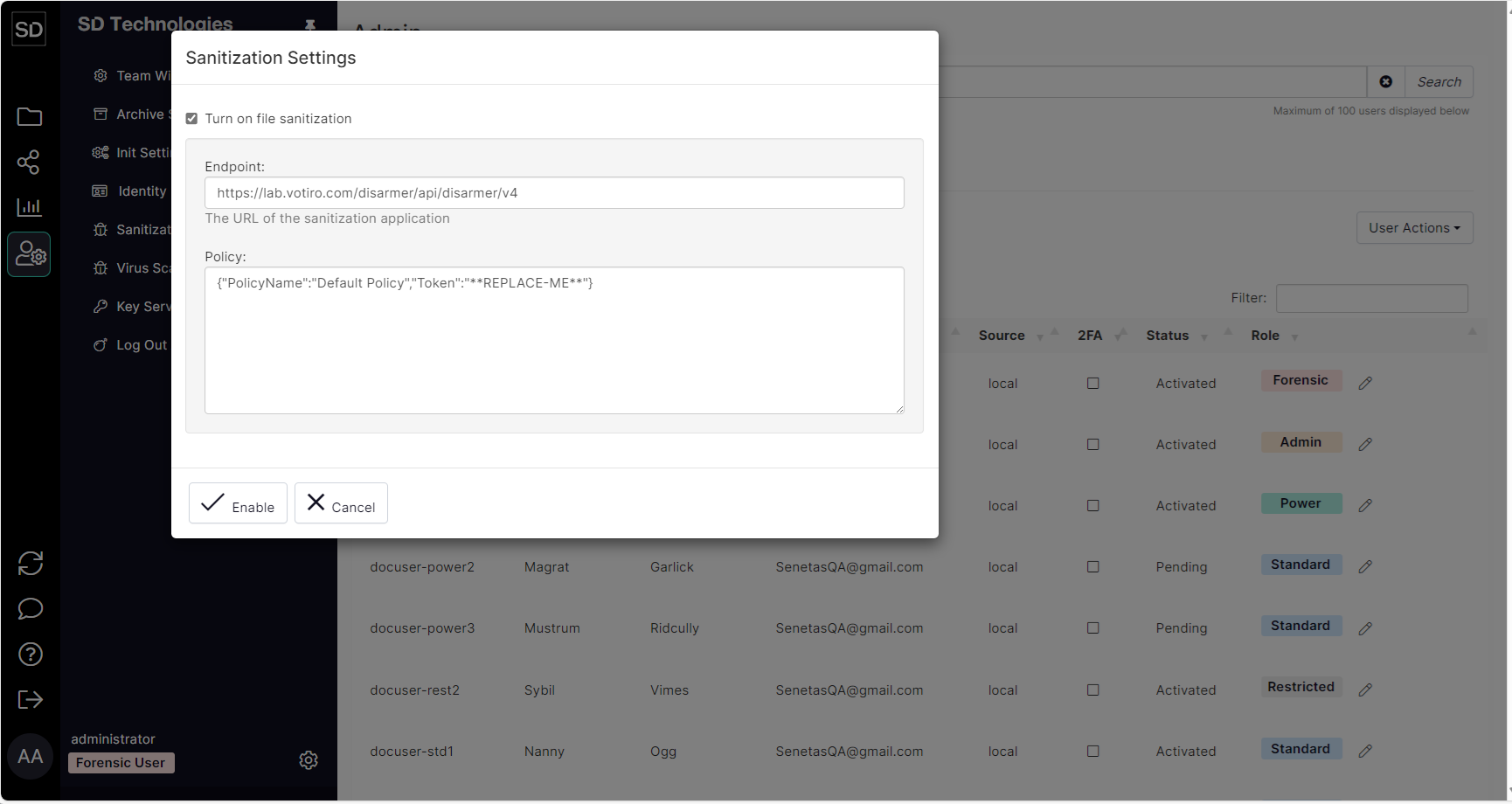
https://assets.suredrop.io/SureDrop-UserDocs-Images/SEN-SureDrop-Admin-SanitizationSettings.png
After completing the necessary details, click the Enable button to implement the changes.
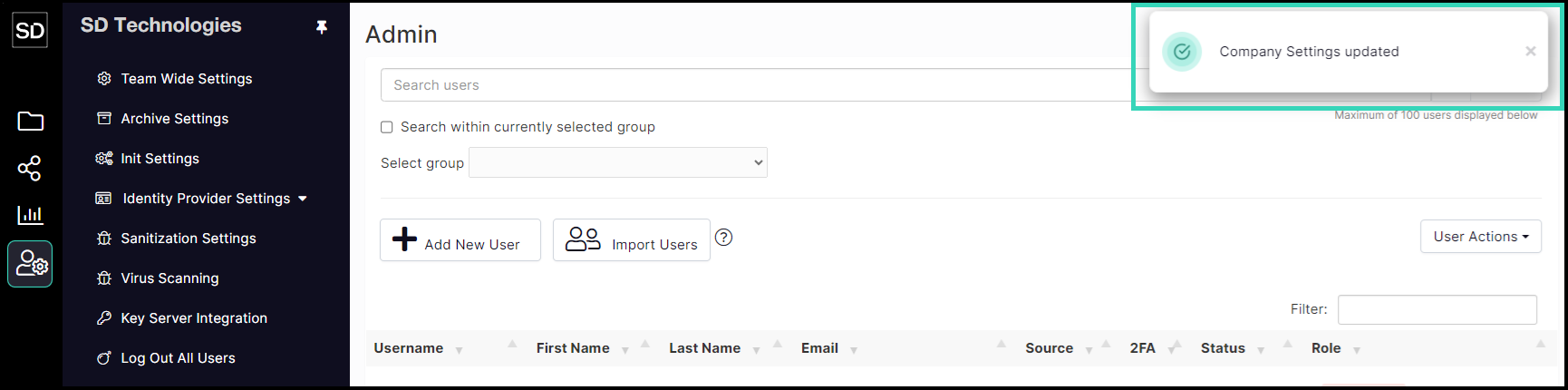
Notification of the settings being changed will be displayed.