Submit a message
When you have something to say to the members of a group, place the cursor into the New message field at the bottom of the SureDrop interface.

Enter the text of your message.

Press the Enter button on your keyboard or click Post icon at the right-hand side of the message field.
The message will be displayed in the message list for all members of the group as well as a pop-up window for you as the sender of the message.
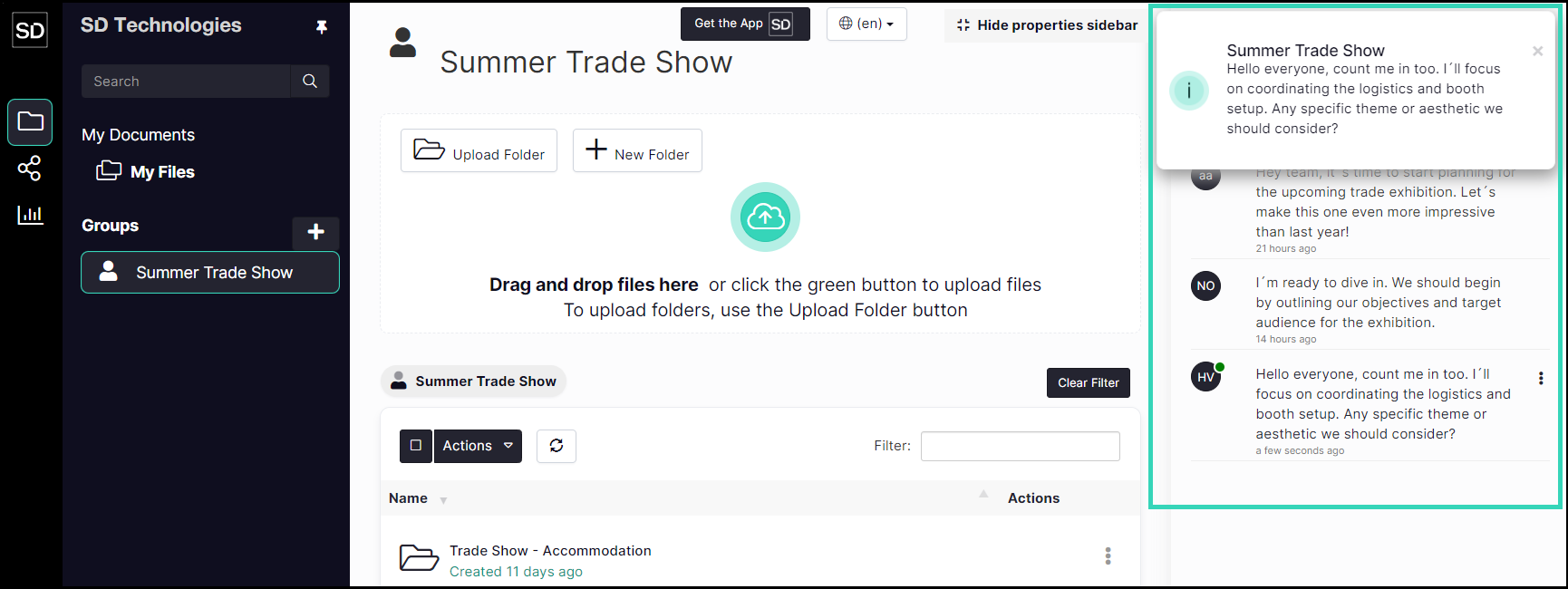
https://assets.suredrop.io/SureDrop-UserDocs-Images/SEN-SD-Messages-MessageInMaessageList.png