SureDrop Administration
Admin and Forensic users only
Users with Administrator privileges have access to a range of commands controlling the appearance and operation of the SureDrop application owned by your company.
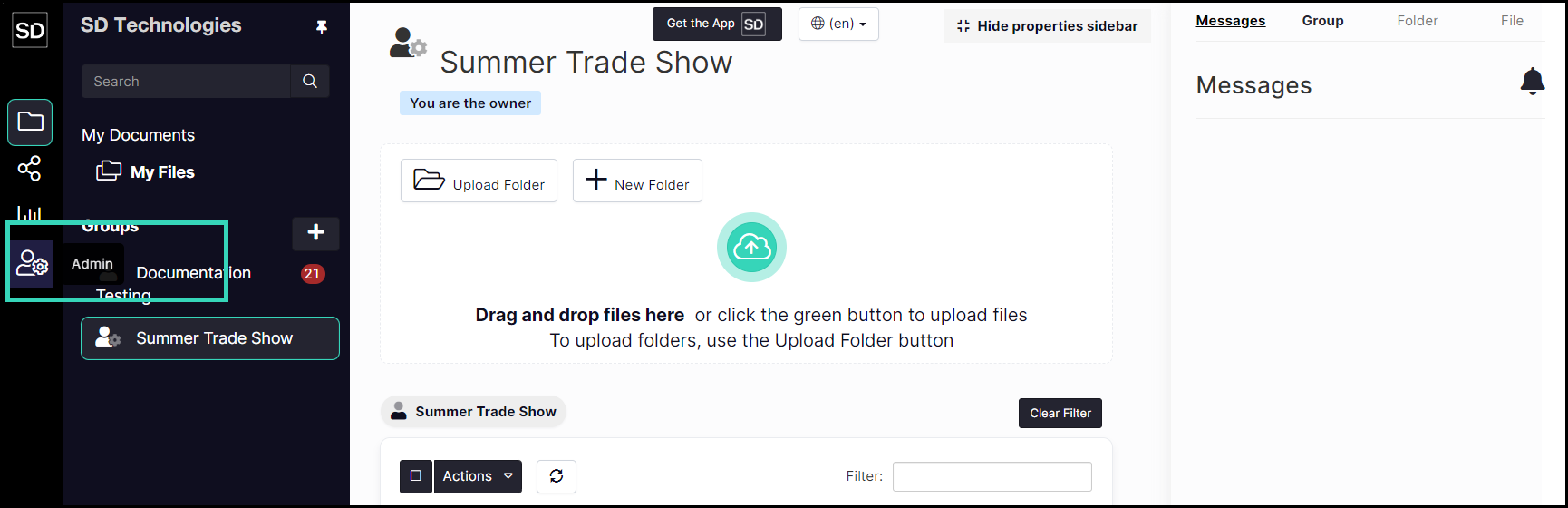
Access the administration functions by clicking on the Admin button of the SureDrop interface.
This will display the initial Admin interface.
Functions available from the left-hand navigation panel of this screen include:
Team-Wide Settings
Archive Settings
Init Settings
Identity Provider Settings
Sanitization Settings
Virus Scanning
Key Server Integration
Log Out All Users
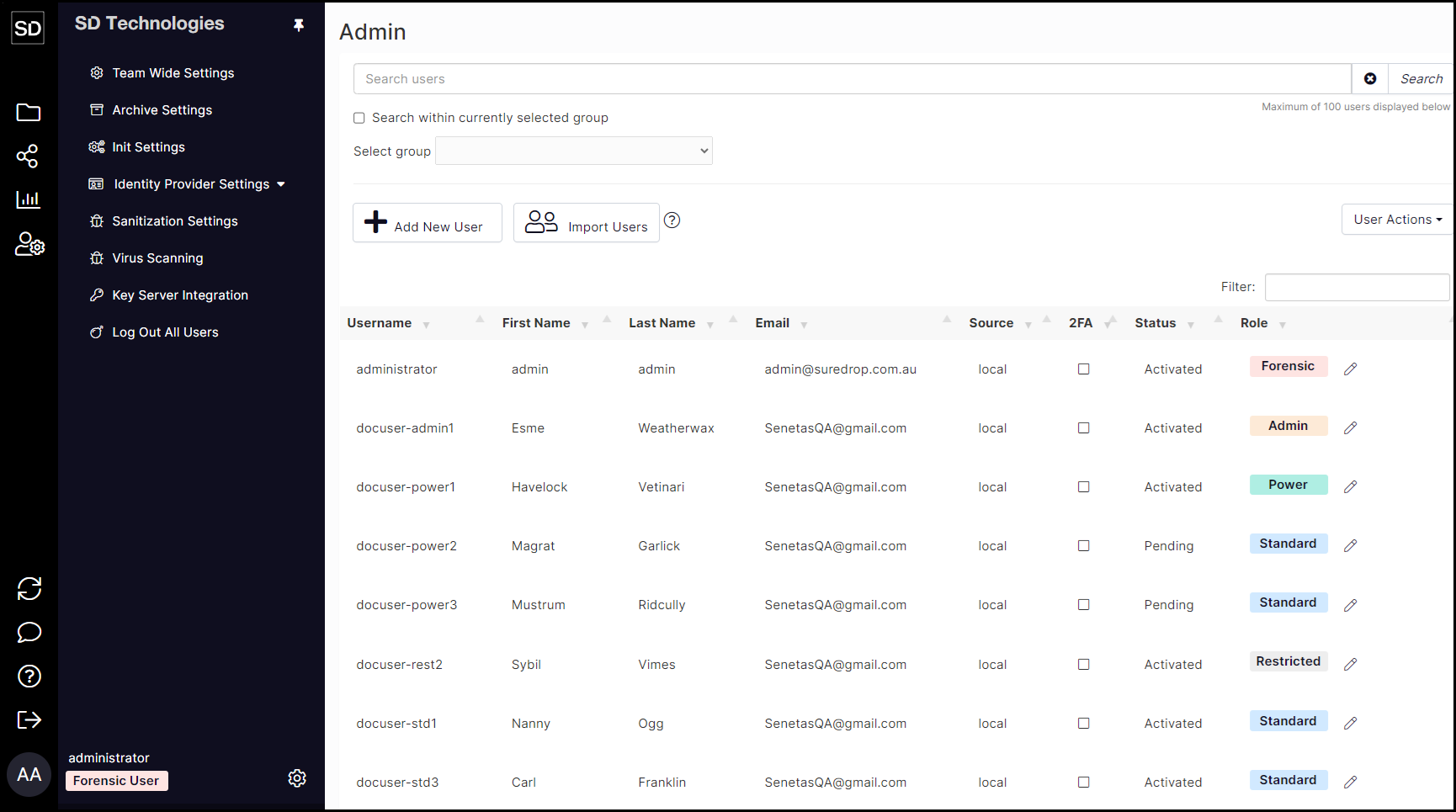
Initial Admin Display:https://assets.suredrop.io/SureDrop-UserDocs-Images/SEN-SureDrop-Admin-InitialAdminDisplay.png