SureDrop Dashboard
The SureDrop dashboard provides a graphical view of how your instance of SureDrop is being used by Team members.
You can access your dashboard by selecting it on the SureDrop navigation bar:
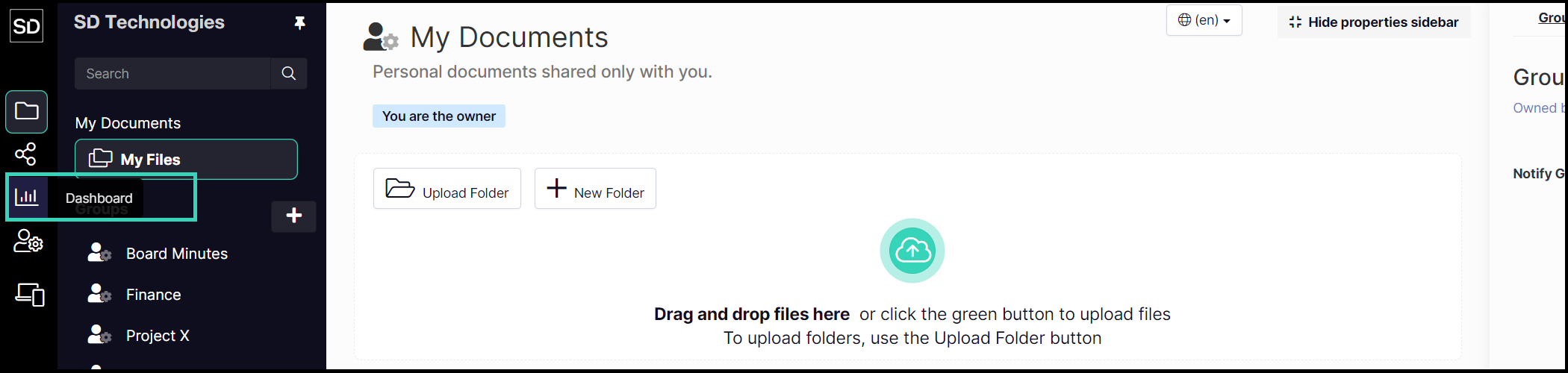
Select Dashboard button to display utilisation statistics
A consolidated storage usage information panel is also present in the dashboard, along with group memberships, documents uploaded and number of groups owned.
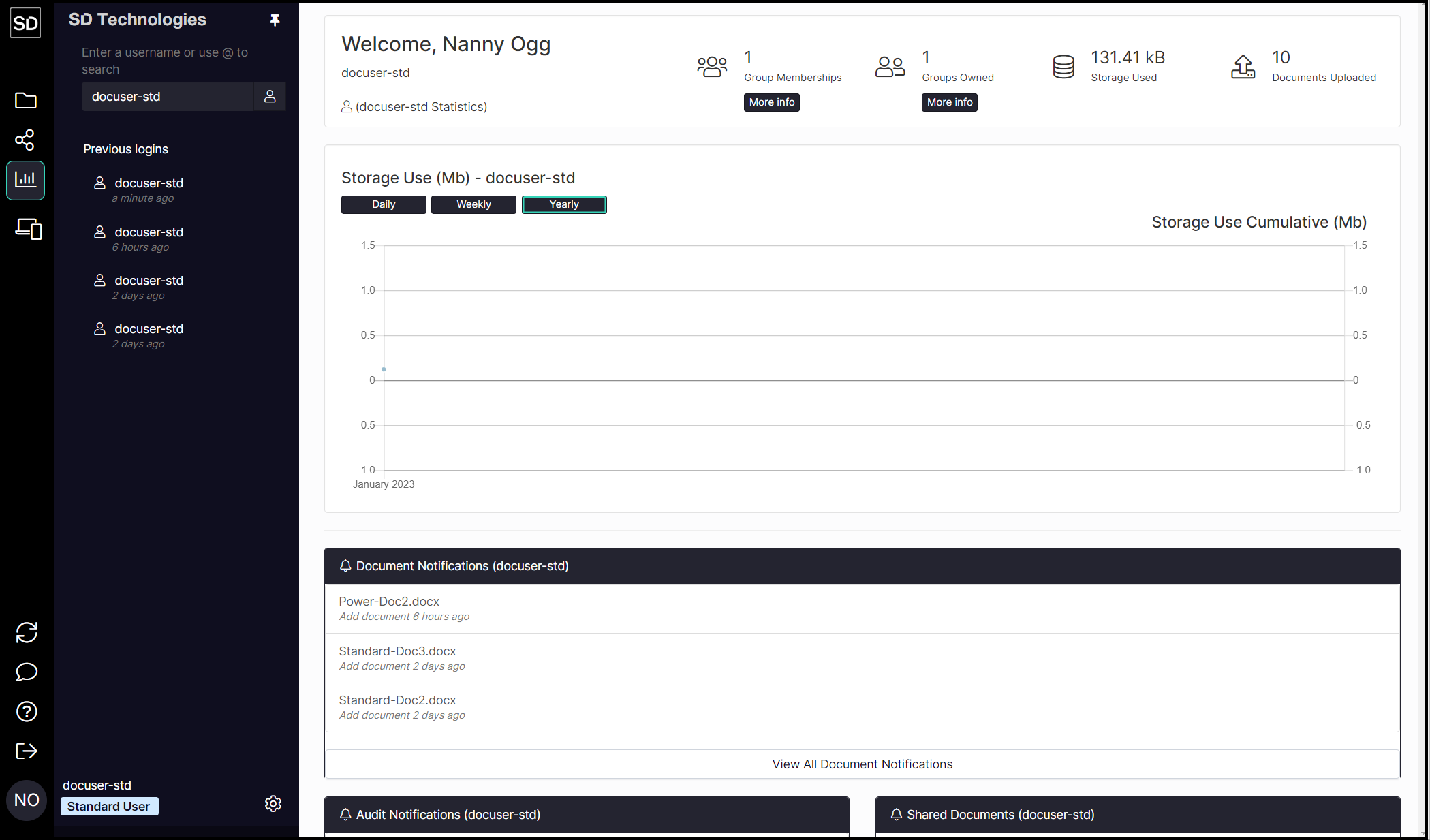
While standard users can only see their own data, those users with Admin privileges can select and view the storage and usage statistics of all users as a total or any individual user.
Summary statistics are displayed across the top of the dashboard screen.

The summary information changes depending on whether you are reviewing all members of your Team or just a single user.
You have the option of viewing the statistics about your Team’s data usage shown on a daily, weekly or yearly basis.
