SureDrop Properties Sidebar
The SureDrop Properties Sidebar gives you access to detailed information about:
messages sent between members of a group
composition of the group such as its members and ownership
the folders available to members of a group
files securely stored within the folders of the group
The initial user interface looks similar to that shown below. The Properties Sidebar has been highlighted:
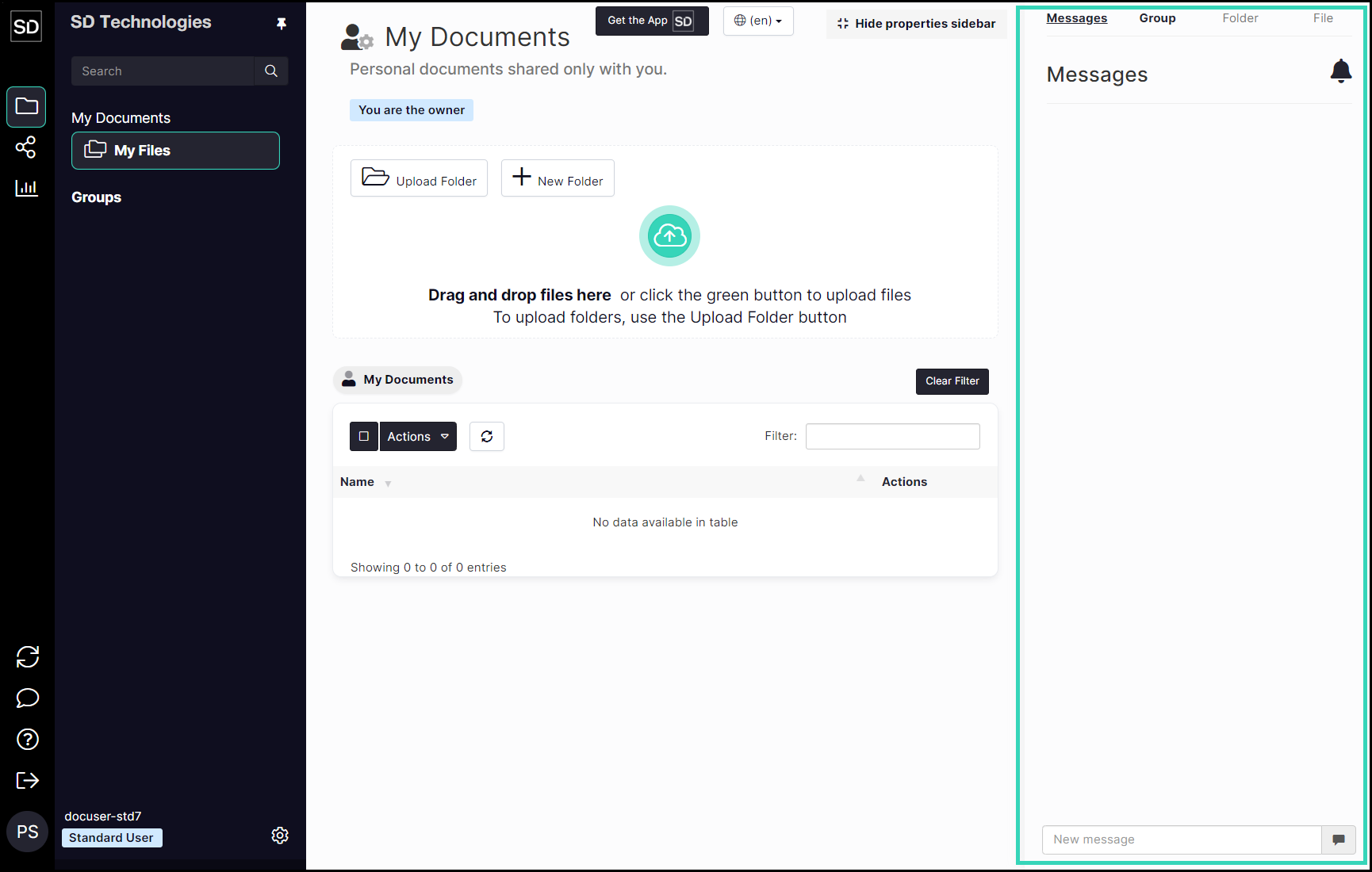
SureDrop user interface showing Properties Sidebar
The default appearance of the SureDrop interface is for the Properties Sidebar to be displayed. It is possible to toggle between displaying the sidebar or hiding it by clicking the Hide properties sidebar button:

and the Show properties sidebar button:

The display consists of the navigation side-bar, the file and folder list and the Group Properties side-bar. The Group Properties area has four selectable displays:
Messages
Group
Folder
File
The default display is to show the most recent messages (if any) that have been sent by members of the group. The Folder and File panels become active when a file or folder is selected from the central file list.