Team-Wide 2FA
Before implementing company-wide 2FA, at least one user with administrator privileges must have 2FA turned on at the individual level.
Access the Admin features of SureDrop and click on the Team-Wide Settings link.
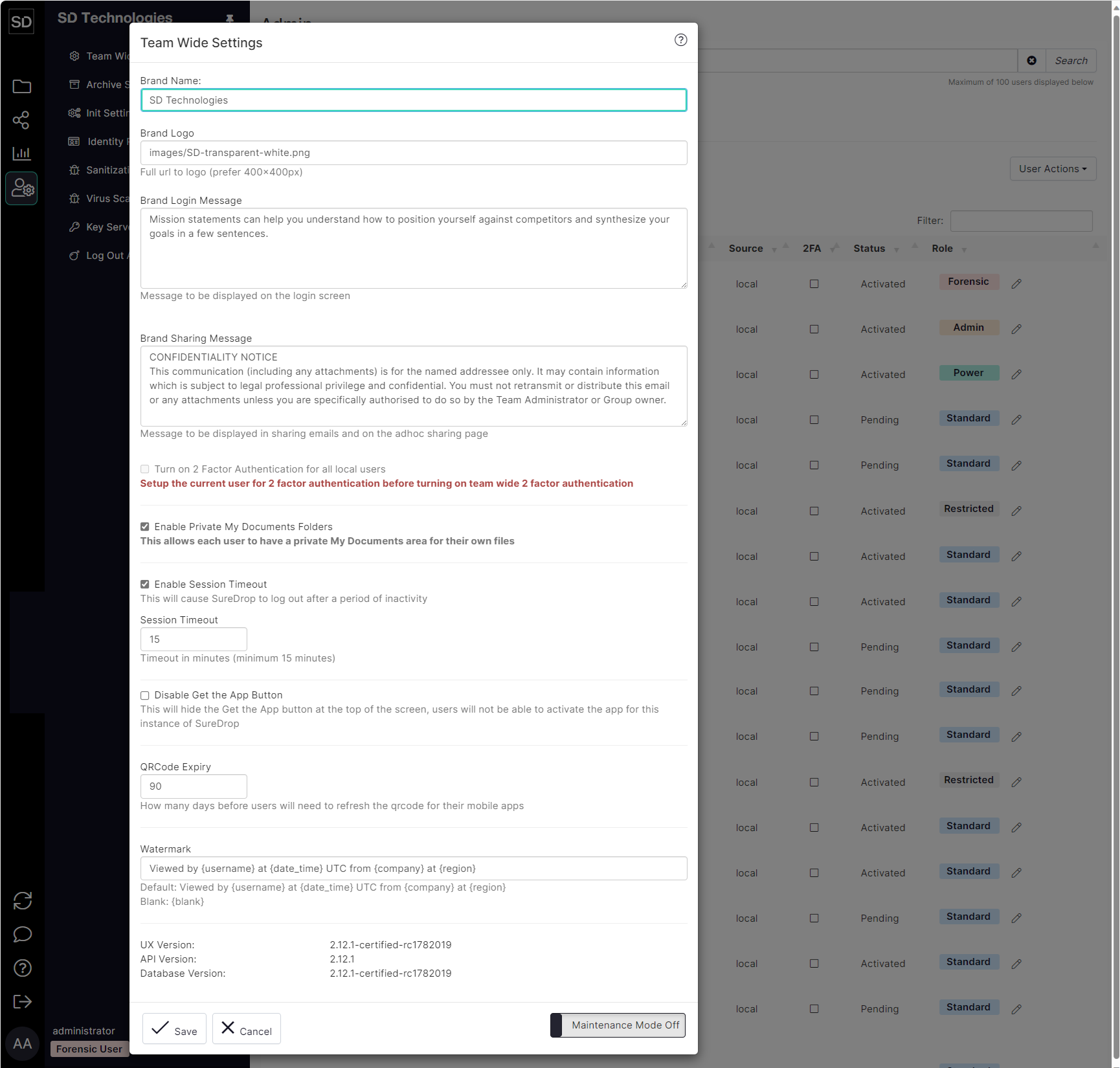
Select the checkbox next to Turn on 2 Factor Authentication

When selected, a warning is displayed indicating that all Team members will be sent emails informing them that your Team has implemented a 2FA policy.
When they next access SureDrop they will have to use an authenticator application on their mobile phone in addition to their username and password.

Refer to Two-Factor Authenticated Login for information about the amended login process.