Team-Wide Data Usage
On the dashboard, users with Administrator privileges can see the statistics relating to all users, groups, folders and files. These can be selected to give specific usage data for individual users or groups.
To view the statistics for all users, click on the Global Statistics button located toward the top of the left-hand navigation bar:

This will update the Storage data grid to display the storage of all users.
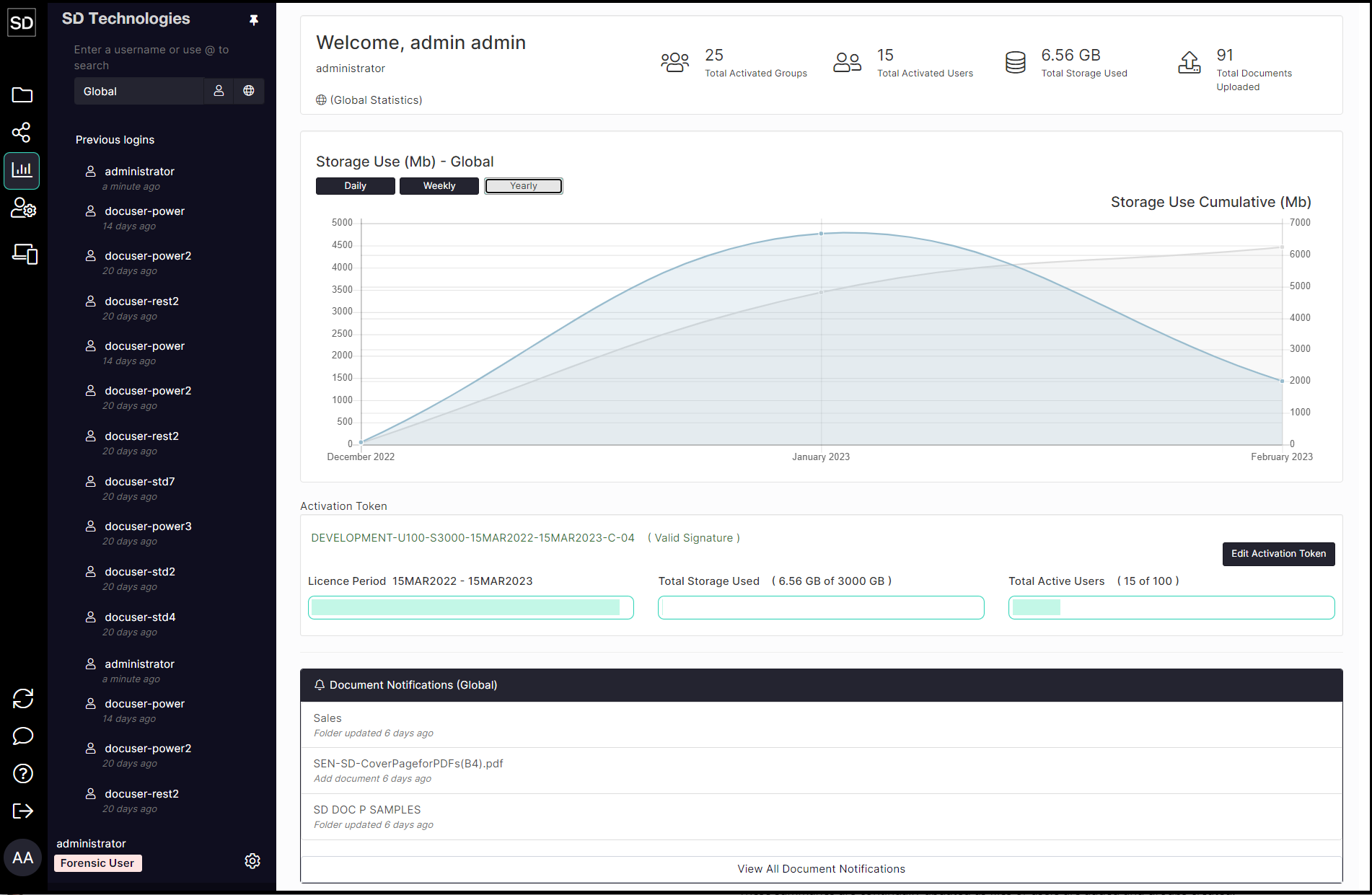
At the top of the user interface, SureDrop displays a summary of the usage statistics for a Team.

These summaries are continually updated as files or users are added and groups created.