Timeouts and Logging Out
Timeouts
The browser timeout for SureDrop is set at 15 minutes.
If there has been no activity during the timeout period, you will receive a warning message.

Click Refresh to allow you to continue working.
Click Logout to exit SureDrop.
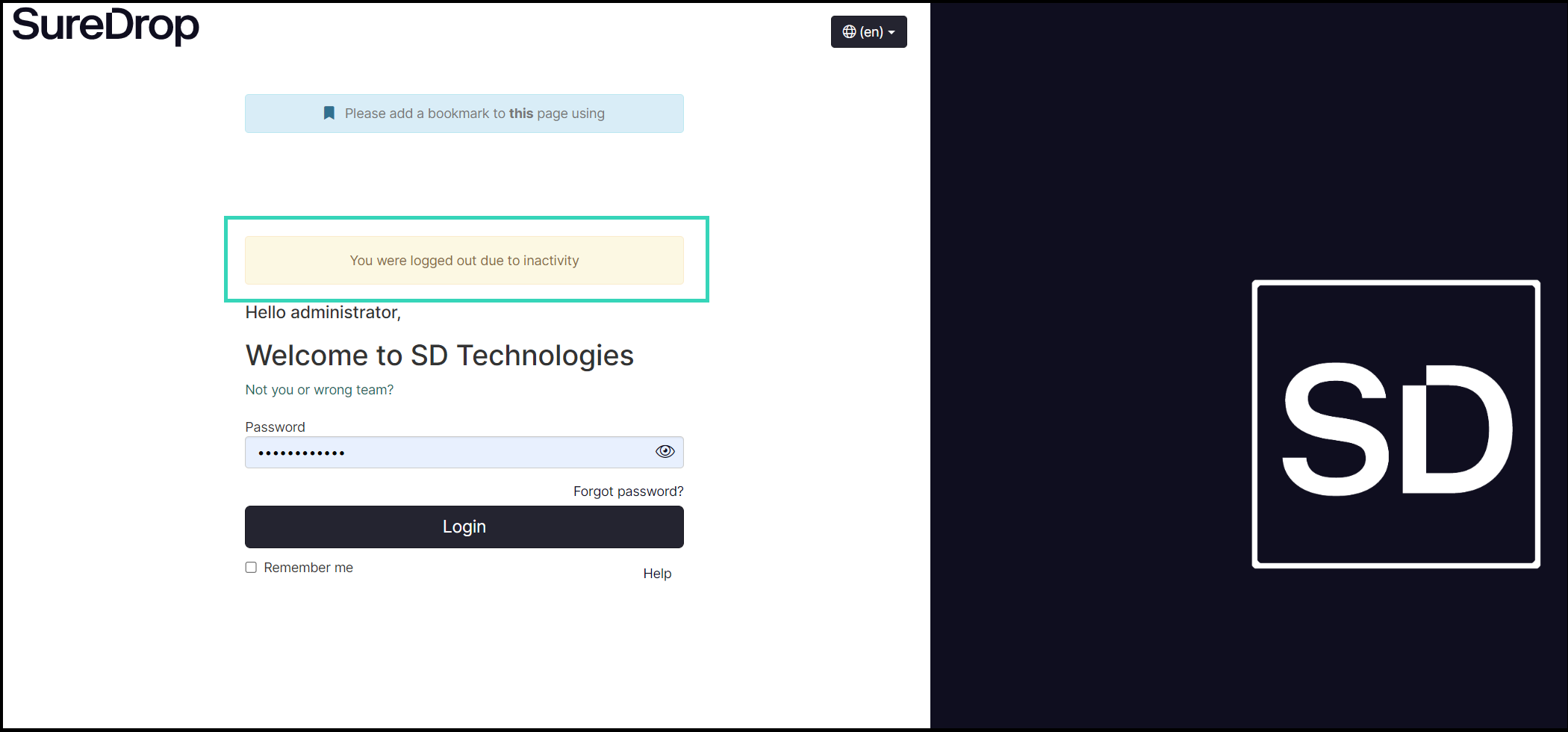
If you do not click either button, SureDrop will automatically log you out at the end of the timeout period and you will have to log back in again. A screen similar to that shown below will be displayed.
SureDrop does have a provision that allows an administrator to suspend operations to allow system maintenance. While this is seldom required, you may receive a notification that states the SureDrop server is being shut down with a 5 minute grace period to save your current work.
Logging out
You can exit SureDrop at any time using the logout button located toward the bottom of the left-hand navigation panel.

User logout selected
Forced logout
There may also be circumstances where it is necessary to force all users to log out of Suredrop.
Details of the procedure to do this are in the section Log Out All Users.